Every customer answered before they call someone else
An AI assistant trained on your business answers in seconds and books, on your website and your phone.
- Website
- Phone
- SMS
- Messenger
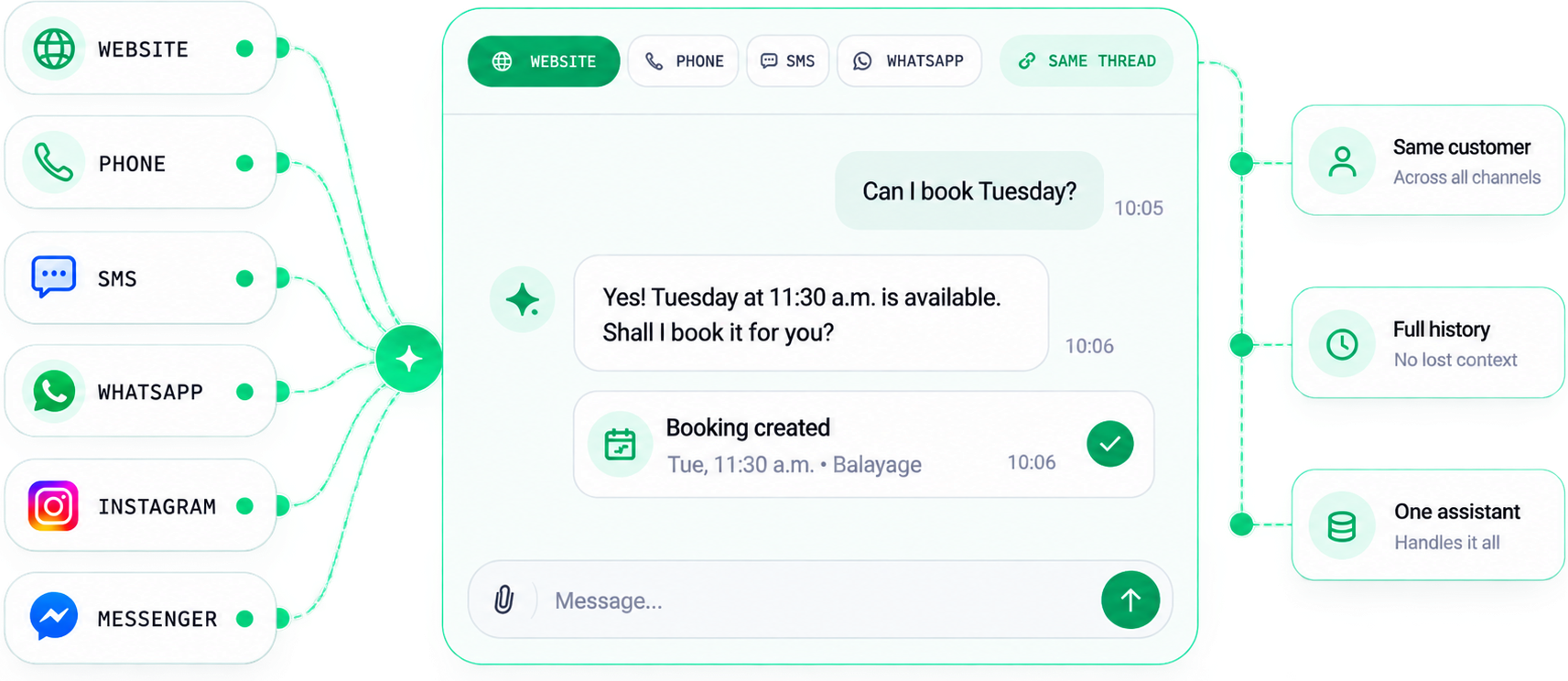
One assistant on every channel, one record of every conversation.
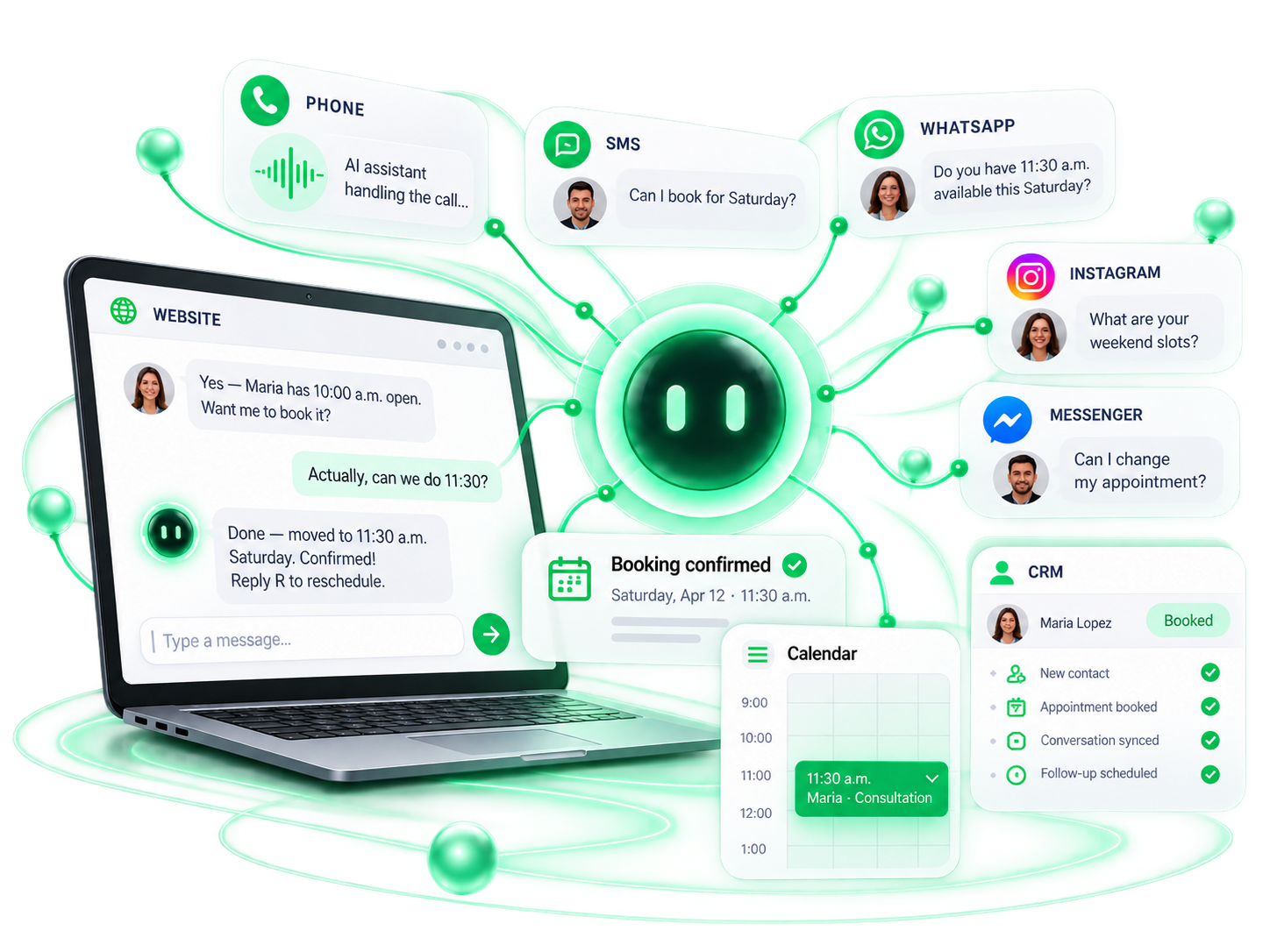
Chat assistant live in 10 business days. Phone line adds 5. The same class of assistant runs on this site.
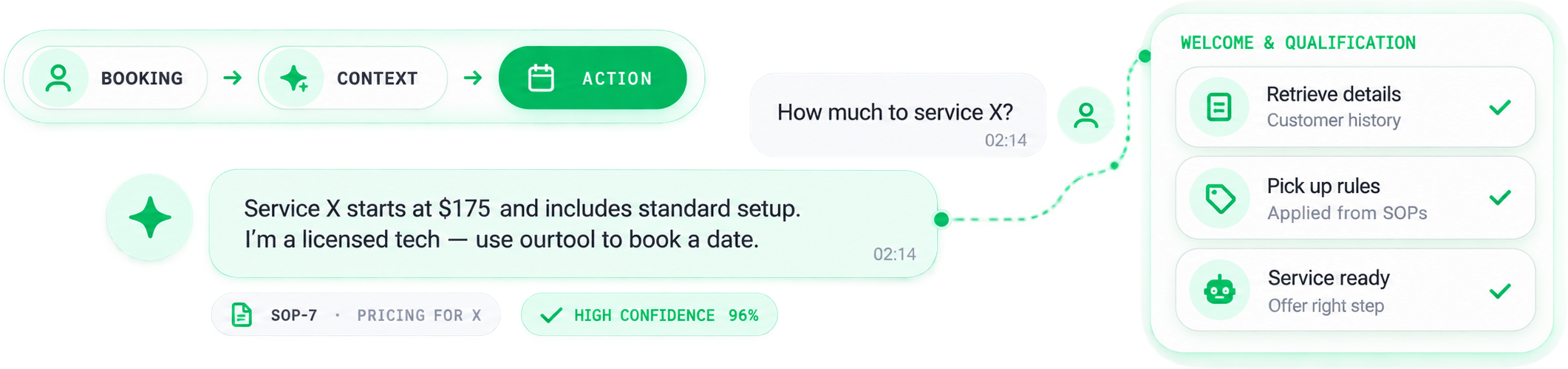
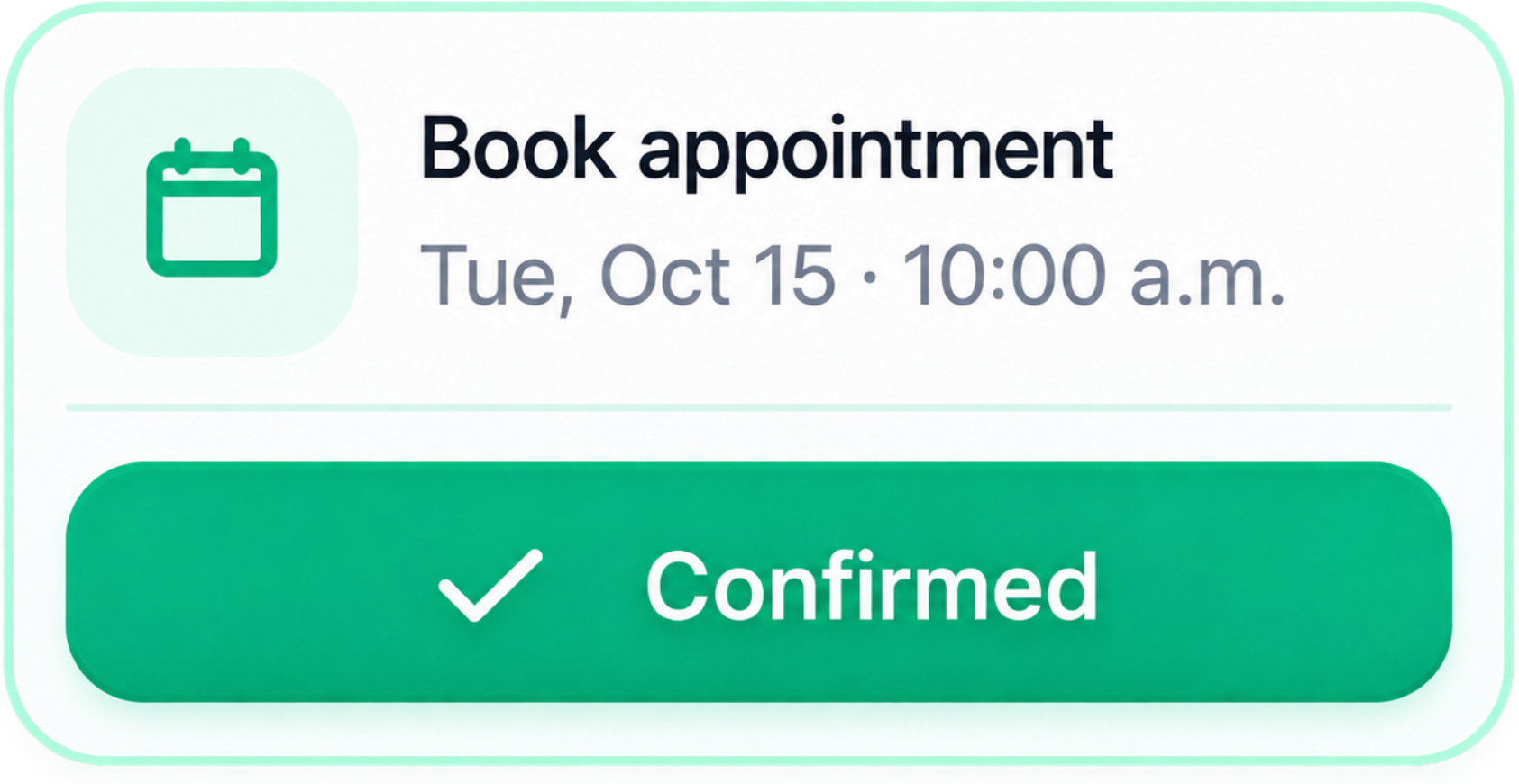
Sample conversation. A visitor asks the price of a balayage for long hair, and the assistant answers from the price list. It offers Saturday at 10 a.m. with Maria and books it. Then it saves the contact to the CRM, alerts the front desk by SMS, and schedules a reminder.
- Salons
- Med spas
- Dental
- Clinics
- Contractors
- Home services
- Auto shops
- Restaurants
More ads won't help if nobody picks up
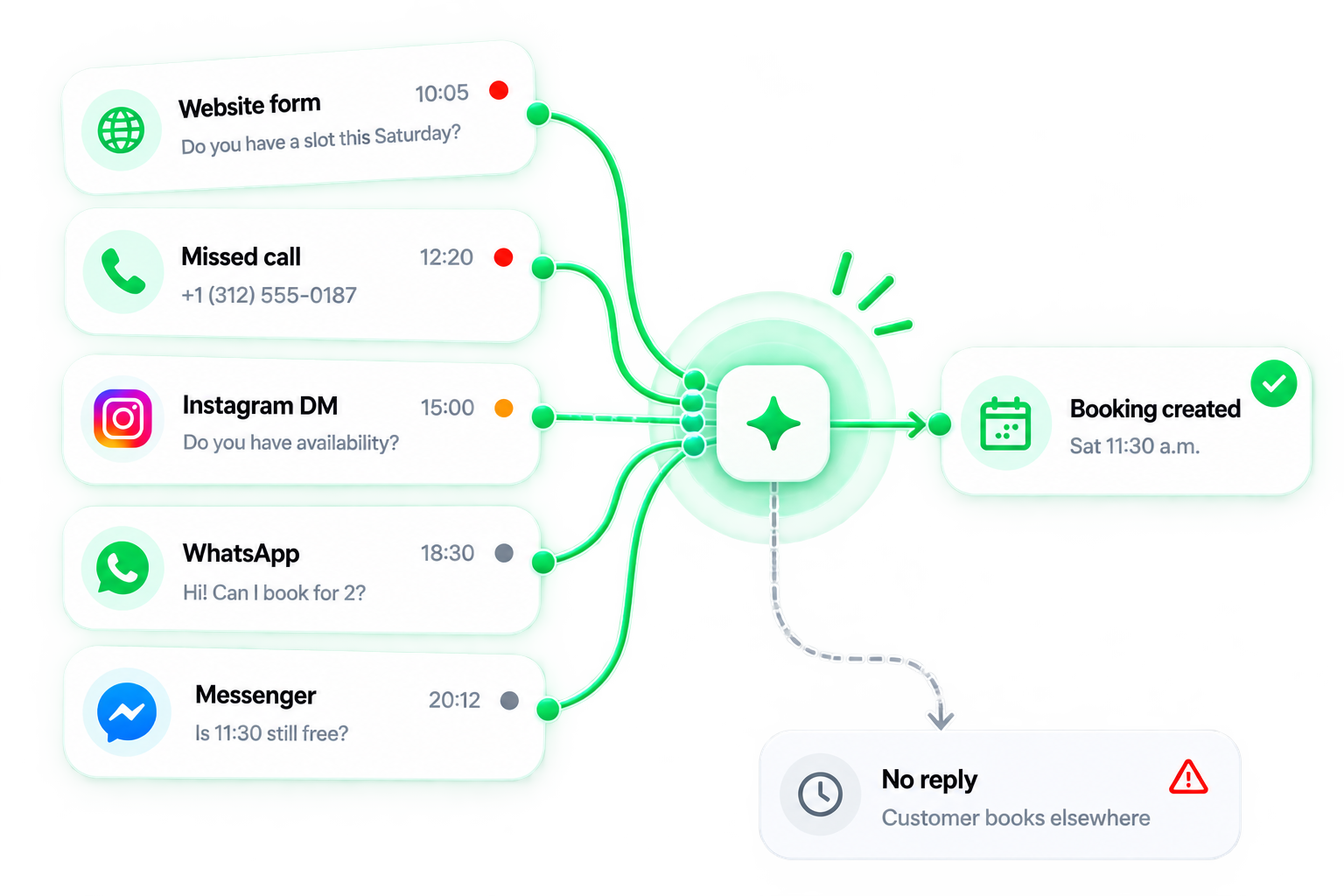
Quiet phone after 6 p.m.? Forms that wait until morning? The leak is usually between the inquiry and the reply.
A local customer messages a few businesses and books the one that answers first. Here's where the answer gets lost, one step at a time.
Missed calls
12:20 p.m. · MissedYou're on a job or with a client, so the call hits voicemail. Voicemail rarely gets a message, and the caller moves on to the next Google listing.
After-hours inquiries
9:40 p.m. · No answerYour phone stops at 6 p.m. Customers keep searching until midnight, and on Sundays.
Slow replies
11:15 p.m. to 8:30 a.m.A form answered the next morning is answered after they've booked somewhere else.
Repeat questions
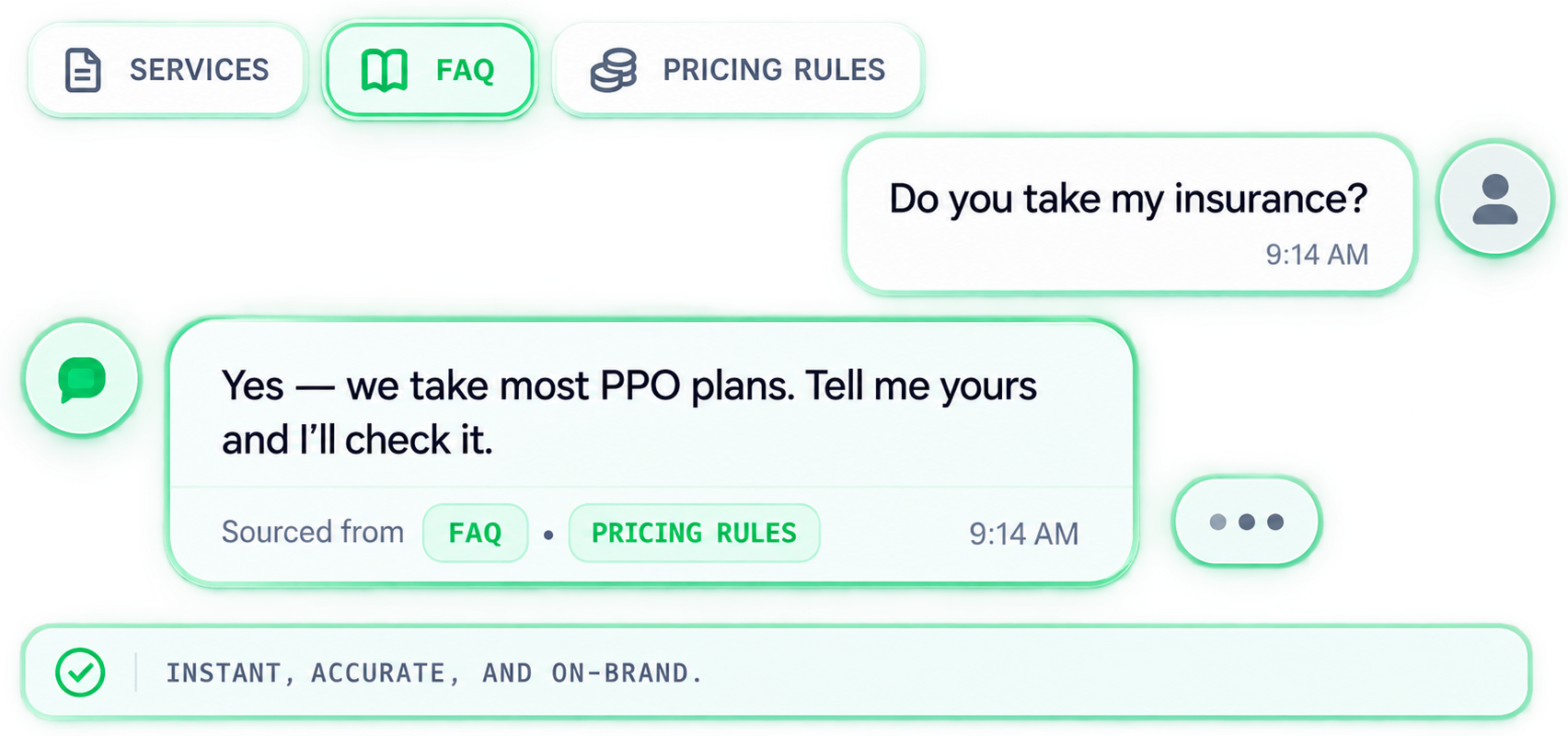
10:05 a.m. · Same questionHours, prices, parking, do you take my insurance. Your front desk answers the same questions all day, and the real work waits.
No qualifying
One inboxEvery inquiry lands in one inbox, so the quick question and the big job look the same until someone reads them.
No follow-up
Day 3 · SilenceThe quote went out. Nobody called back on day 3, and your competitor did.
Nothing in the CRM
5 apps · No recordCalls, DMs, forms, and voicemails live in five different apps. Nobody can see who was never answered.
Before you buy more traffic, plug the leak.
Show me the fixSix jobs your assistant takes off the desk
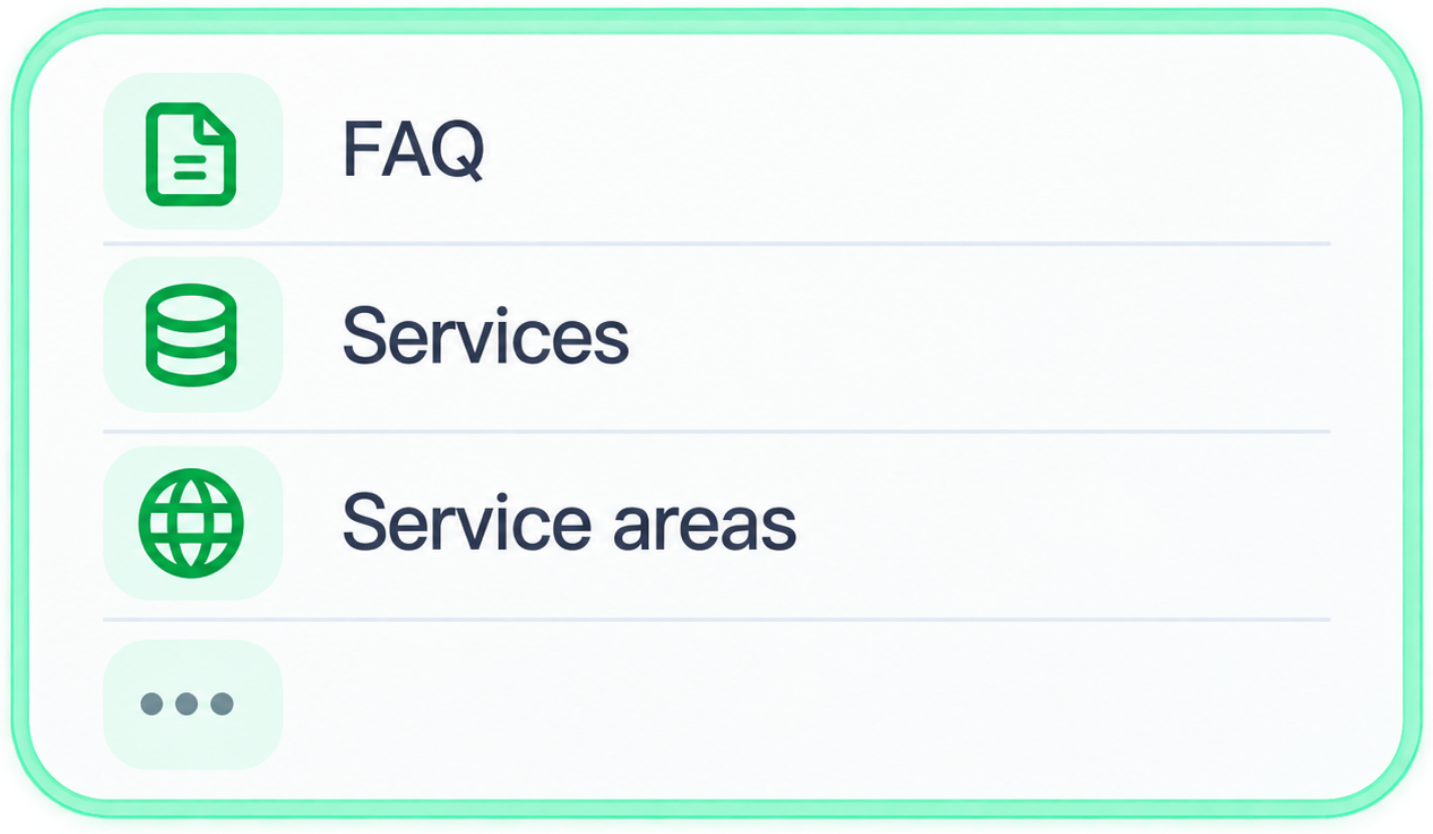
Trained on your services, prices, policies, and FAQs. It answers in your voice and knows when to bring in a person.
Answer
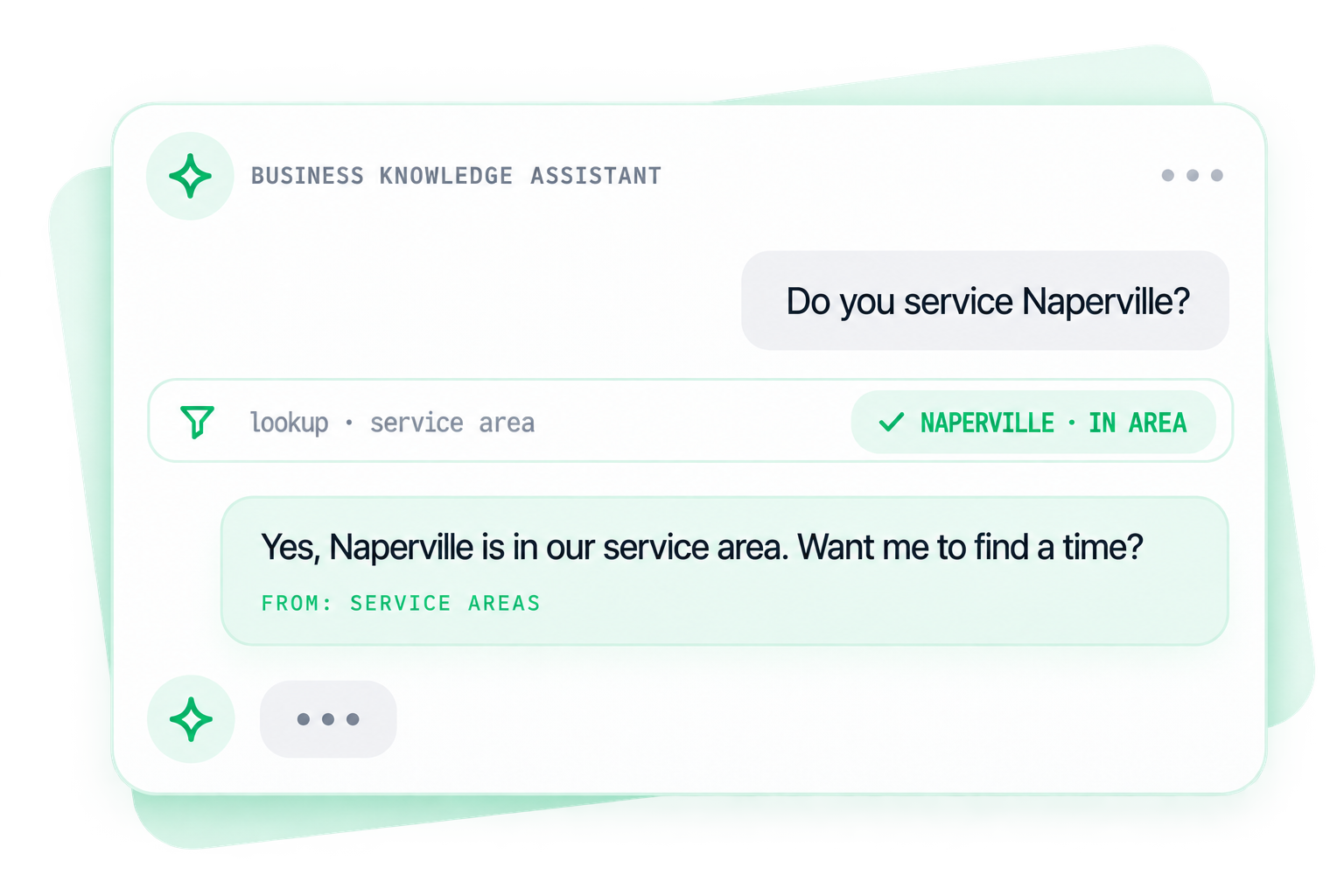
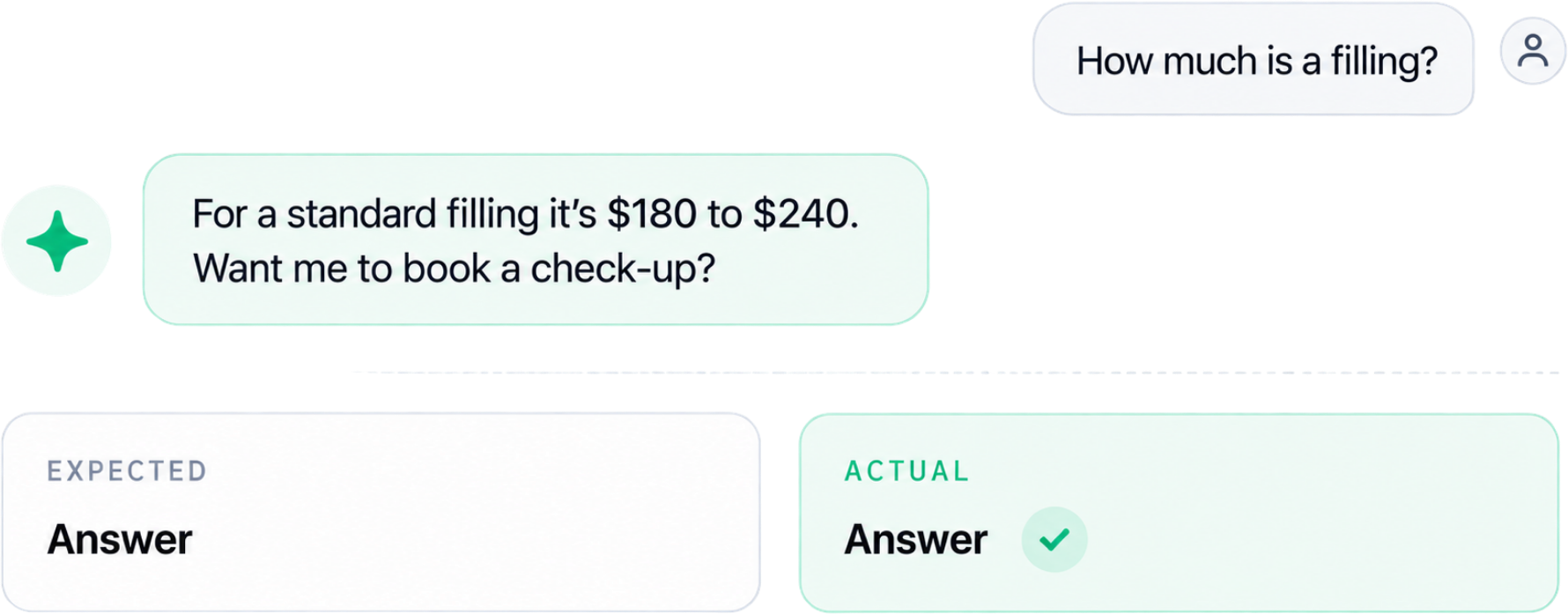
Hours, prices, service areas, what to bring, do you do this. Instant, in your words, on every channel you use.
Yes, we take most PPO plans. Tell me yours and I'll check it against our insurance list. Bring your card to the first visit.
From: FAQQualify
It asks the questions you'd ask: what, where, when, budget. Your team opens the conversation with the facts in hand.
Book
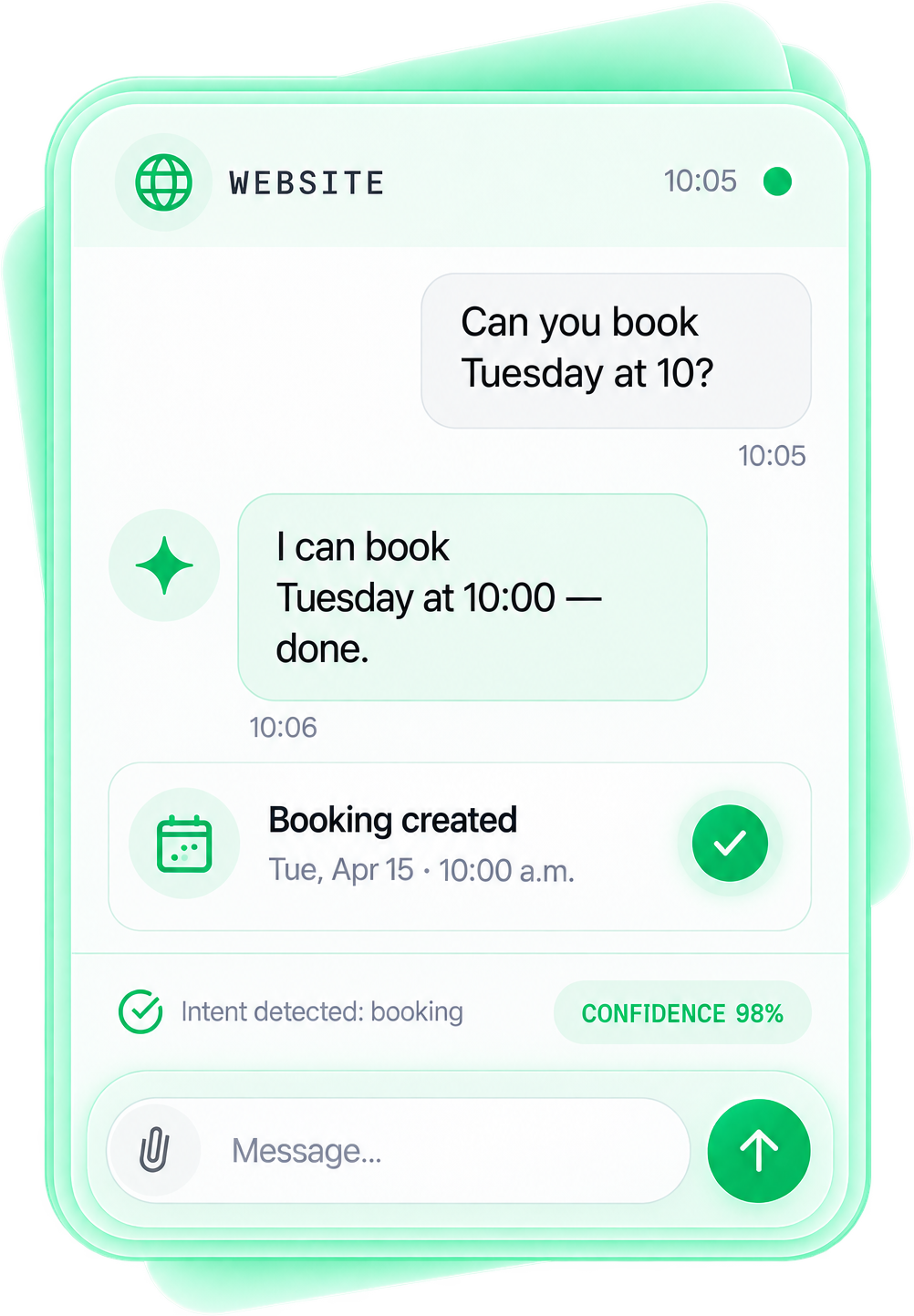
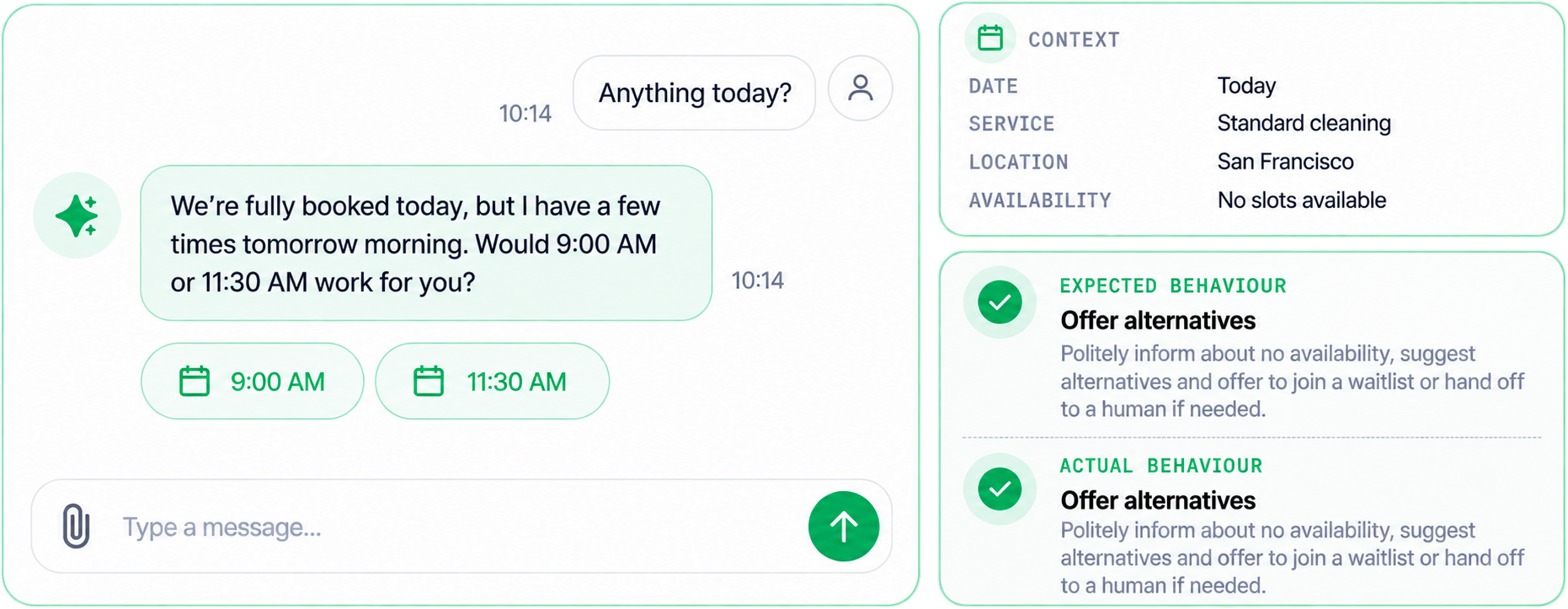
It checks your real availability in Google Calendar or your booking tool and books the slot. Confirmation and reminder go out on their own, and it reschedules too, without anyone picking up the phone.
Hand off
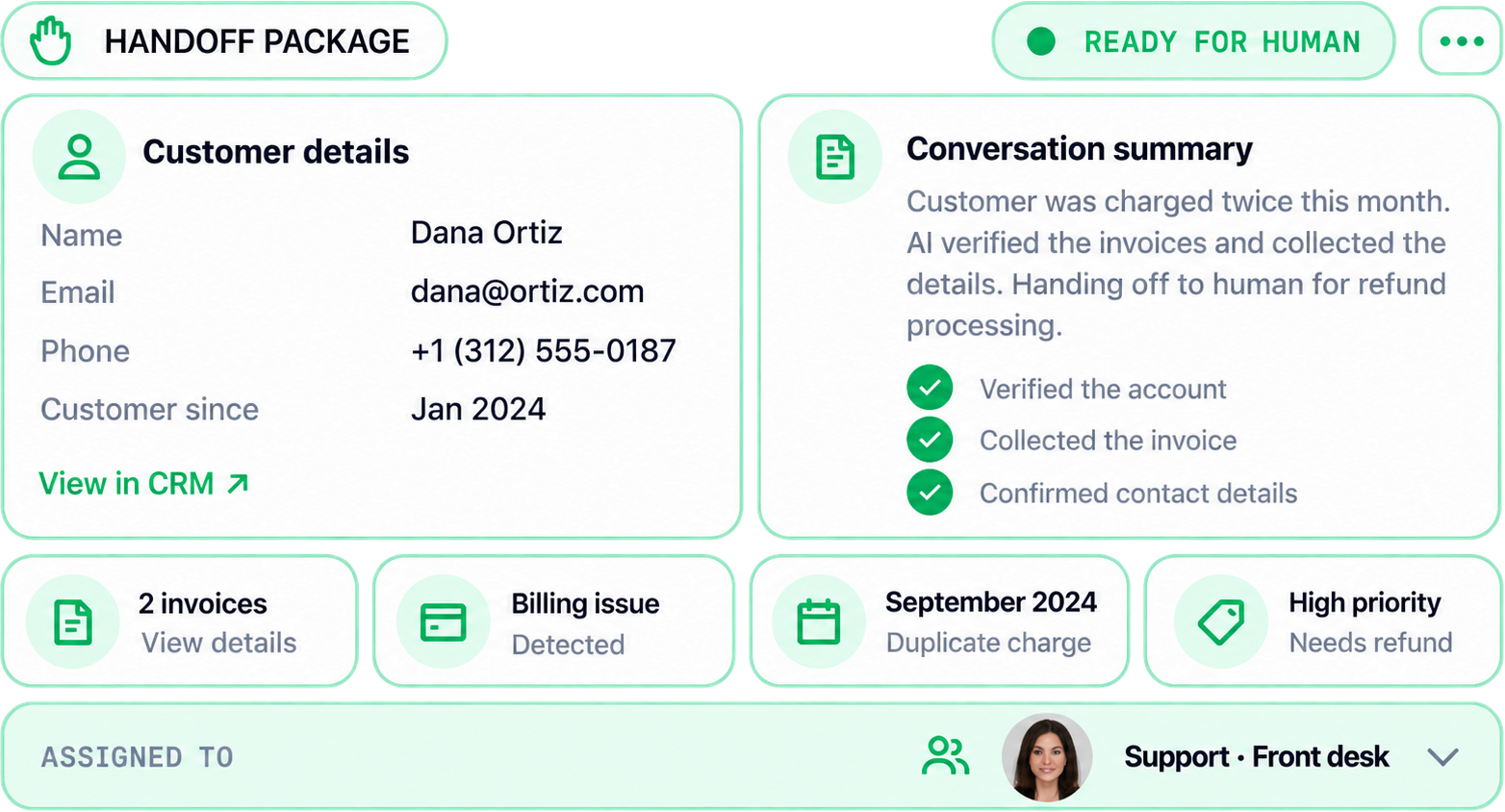
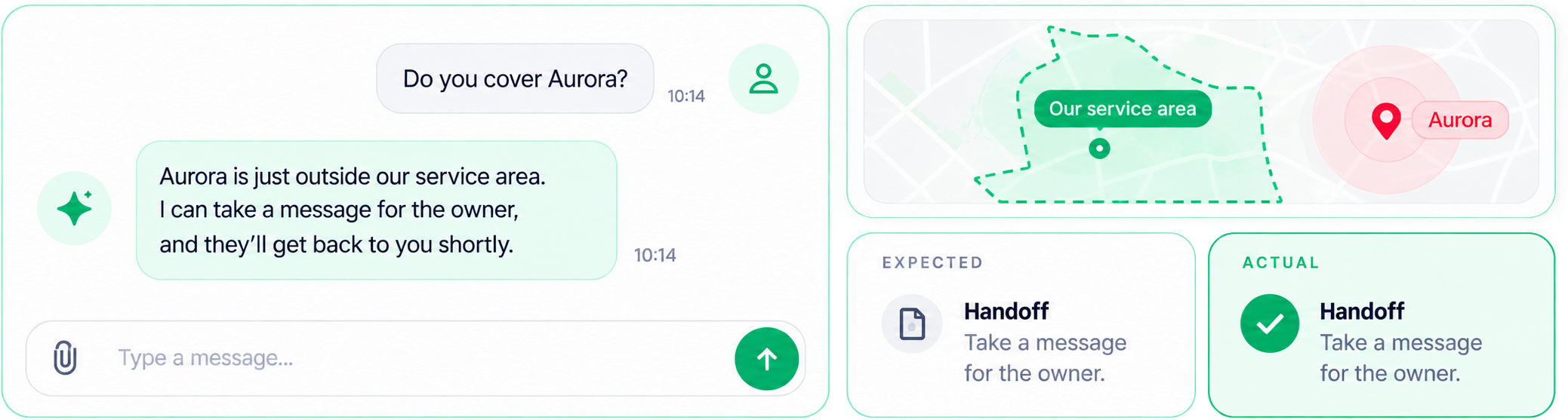
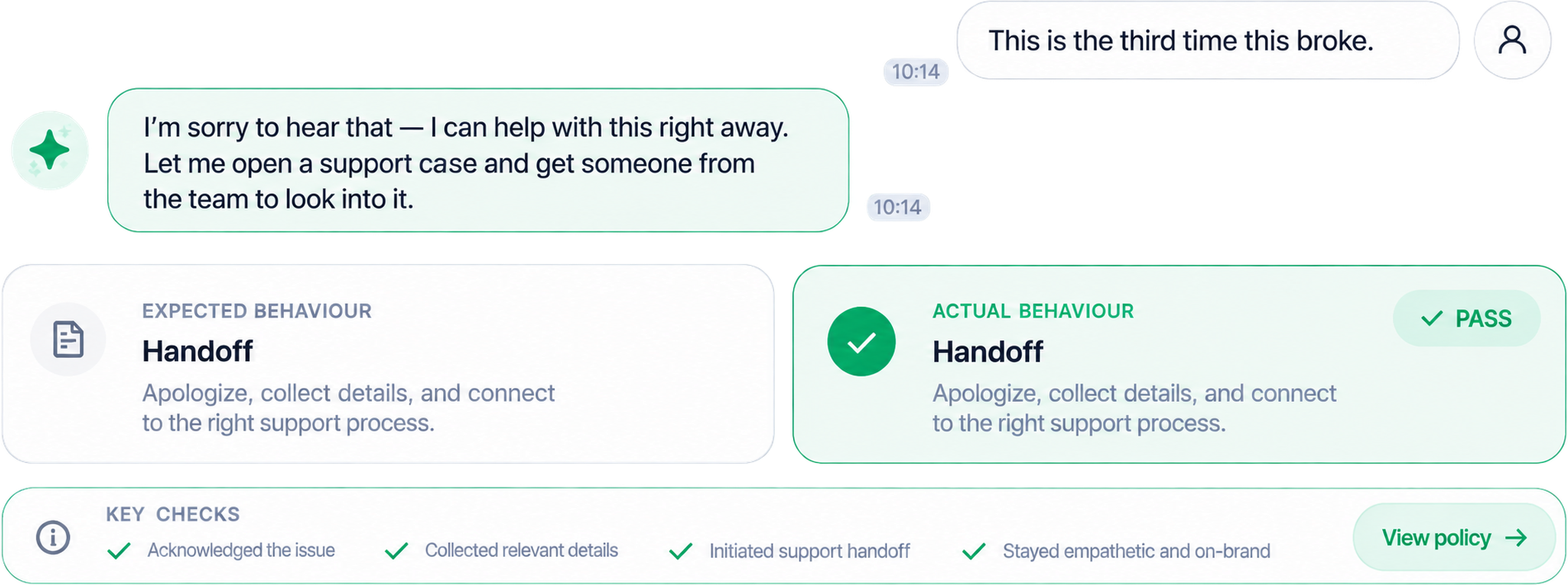
A complaint, an emergency, a question it isn't sure about: it transfers to a person, or it leaves you a message and a Telegram alert.
Update the CRM
Every conversation lands as a contact with a summary and a source. Nobody rekeys anything, and no sticky note goes missing.
Follow up
The quote with no reply gets a nudge on day 2. The no-show gets a rebooking link, on a schedule you set.
Your front desk keeps the job. The assistant takes the nights, the overflow, and the repeat questions.
Watch it book an emergency at 9:40 p.m.
Sample conversation on a plumbing company's website assistant. Names and numbers are fictional. The behavior is what we ship.
- Visitor: Hi, my water heater is leaking from the bottom. Do you do emergency calls?
- Assistant: Yes. We take emergency calls until 11 p.m. tonight. First, is any water reaching an outlet or the furnace, and can you close the supply valve on top of the tank?
- Visitor: I closed the valve. It's just a puddle now.
- Assistant: Good, that was the right move. Where are you located, and is the heater gas or electric?
- Visitor: Skokie, 60077. Gas, about 12 years old.
- Assistant: Skokie is in our service area. A tank that age leaking from the bottom needs a tech to look at it in person. I can book tonight at 10:15 p.m. or tomorrow at 7:30 a.m. Which works for you?
- Visitor: Tomorrow at 7:30 is fine. Dana Ortiz, 847-555-0142.
- Assistant: Booked: Wednesday, 7:30 a.m., at your address in Skokie. A text confirmation is on its way. Mike, the owner, already has your notes. Keep the valve closed overnight. Anything else I can help with?
- 21:40:04 session.started: website chat · after-hours mode
- 21:40:10 intent.detected: emergency · water heater
- 21:40:15 service_area.check: Skokie 60077 · in area
- 21:40:16 slots.offered: tonight 10:15 p.m. · tomorrow 7:30 a.m.
- 21:41:07 lead.created: Dana Ortiz · Skokie 60077 · water heater leak · after-hours
- 21:41:08 crm.contact.upsert: source: website chat · urgency: high
- 21:41:09 calendar.booked: Wed 7:30 a.m. · 90 min · tech: Luis
- 21:41:09 sms.sent: confirmation to +1 847 555 0142
- 21:41:10 alert.sent: owner (Telegram): "Emergency booked for 7:30, notes attached"
- 21:41:10 followup.scheduled: review request · Thu 6:00 p.m.
The whole exchange took 70 seconds. The owner read the alert in the morning.
Live on your site in 10 business days
You approve the script before we build. You test it on your own questions before it goes live.
- Day 1
Scope and knowledge
We agree what it handles, where a person takes over, and which answers it must get right. Then we collect the source material: your services, your prices, your FAQs, your policies.
You get: scope and knowledge base - Days 2 to 3
Conversation design
You read the script before anything is built: tone, the qualifying questions, the actions it can take, and the fallback when it's unsure.
You get: the script, before the build - Days 4 to 6
Build, train, connect
We train it on your knowledge and set the confidence thresholds. Then we wire it to your site, calendar, CRM, and email through their APIs.
You get: assistant wired to site, calendar, CRM - Days 7 to 8
Test on real questions
Your real inquiries go in. Awkward and off-topic ones too. We tune it until the handoffs and the bookings hold up.
You get: test report on your real questions - Days 9 to 10
Launch and handover
Live on your channels on day 10. You get the accounts in your name and the documentation, then a walkthrough for your team with the first real conversations on screen.
You get: accounts in your name, docs, walkthrough
Pick how much of the desk it covers
One-time build, yours to keep. Care plans are optional. Usage is billed separately, at cost.
A business whose website gets the questions and the forms, and whose phone is mostly covered.
- Knowledge base built from your price list and FAQs, in your voice
- Conversation design you approve before the build
- Embedded on your website, any platform
- Lead capture with an instant alert to you (email, SMS, or Telegram)
- Human handoff and message-taking
- Contact sync to your CRM or a shared sheet
- Conversation log you can read
- Accounts in your name, documentation, walkthrough
- 10 business days to launch
- Care plan from $99 per month, optional
Appointment businesses where the phone is the front door: salons, clinics, contractors, auto shops.
Everything in Chat Assistant, plus:- AI voice assistant on your business line, the same class as Eva
- Qualifies callers, books, reschedules, takes messages
- Booking wired to your calendar with automatic confirmations and reminders
- Transfer to a person for urgent or sensitive calls
- Call log with a summary of every call
- Text follow-up after a missed or dropped call
- 15 business days to launch
- Care plan from $249 per month, optional
A business taking inquiries on the phone, the site, and social, where follow-up is nobody's job yet.
Everything in Chat + Voice, plus:- WhatsApp, SMS, Instagram, and Messenger in the same assistant
- CRM set up around your sales process, your data moved in clean
- Automated follow-up on quotes, no-shows, and review requests
- Lead routing to the right person by service and location
- Monthly report on conversations, bookings, handoffs, and misses
- 20 business days to launch
- Care and automation retainer from $400 per month
Usage is separate. The AI model and the phone minutes are billed by the providers to your own accounts. We'll show you the estimate for your chat and call volume before you sign.
Not sure which plan? Ask our assistant for a rough range. It quotes the same prices as this page.
Also see:Booking & SchedulingCRM Setup & MigrationWorkflow Automation
Every inquiry ends booked or followed up
The assistant is the front of a chain, and each link writes to the next. Nothing depends on someone remembering.
Chat on your site, your phone line, SMS, WhatsApp, Instagram DMs, Messenger.
Answers from your knowledge base, in your voice.
Service, location, timing, budget, urgency.
Real availability in your calendar or booking tool.
Contact, summary, source, and next step, written for you.
You or the right person gets a Telegram, SMS, or email within seconds.
Quote nudge, no-show rebooking, review request, on a schedule.
Your team closes, already knowing what the customer wants.
Wired into the tools you already pay for
We connect through the tools' own APIs. If it has an API, it connects.
- WordPress
- Wix
- Squarespace
- Shopify
- Webflow
- Custom builds
- Your existing number, forwarded or ported
- A new local number
- SMS
- WhatsApp Business
- Instagram DMs
- Facebook Messenger
- Google Calendar
- Calendly
- Square Appointments
- Booksy
- Jobber
- Housecall Pro
- HubSpot
- GoHighLevel
- Airtable
- Zoho
- Pipedrive
- A shared Google Sheet
- Gmail
- Outlook
- Telegram
- Slack
- WordPress
- Wix
- Squarespace
- Shopify
- Webflow
- Custom builds
- Your existing number, forwarded or ported
- A new local number
- SMS
- WhatsApp Business
- Instagram DMs
- Facebook Messenger
- Google Calendar
- Calendly
- Square Appointments
- Booksy
- Jobber
- Housecall Pro
- HubSpot
- GoHighLevel
- Airtable
- Zoho
- Pipedrive
- A shared Google Sheet
- Gmail
- Outlook
- Telegram
- Slack
Using something else? Tell us the name. Most tools with an API connect during the build.
Built by a team that runs one
We run it ourselves
The chat on hikit.studio is the class of assistant we build for you. So is Eva, the voice line you can call from this page. We operate both every day, so we know where they help and where a person still belongs.
Honest about accuracy
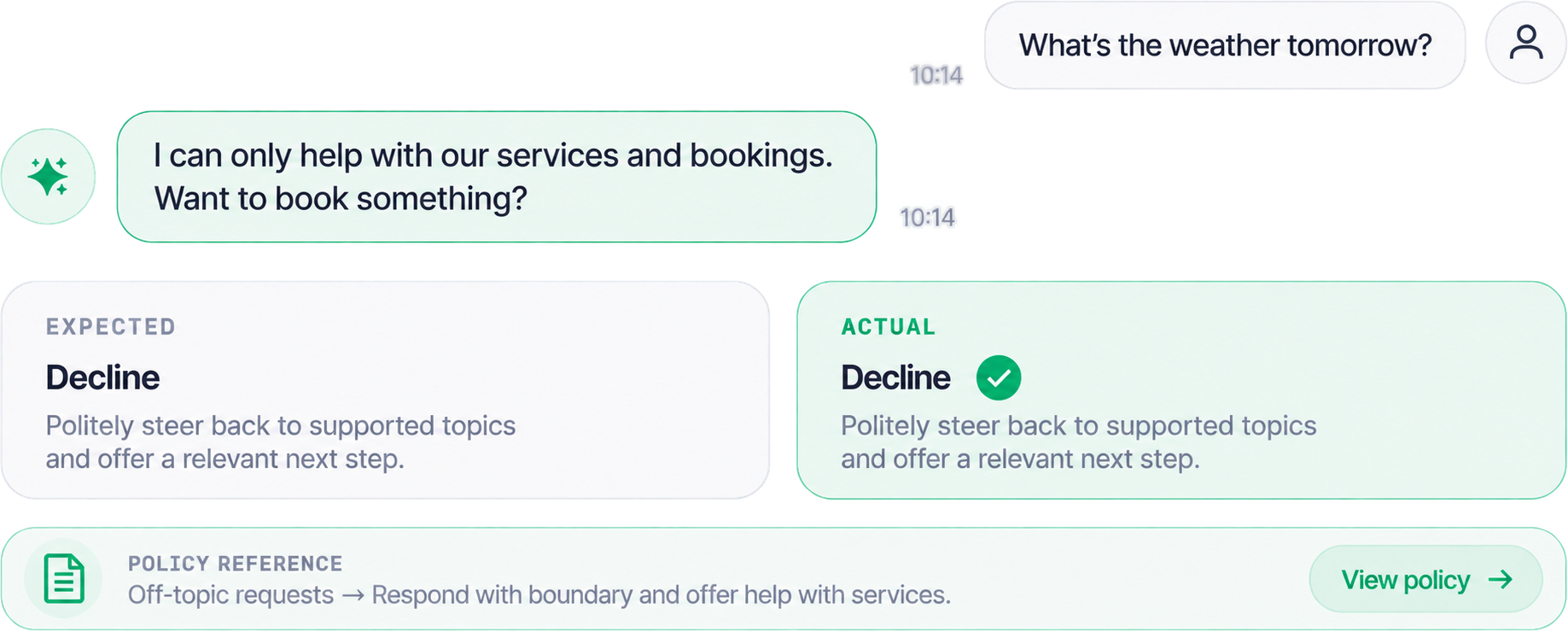
It answers from verified knowledge only, and it hands off when its confidence drops. Days 7 and 8 are for testing on your own inquiries, the awkward ones included.
Wired into your tools
Calendar, CRM, alerts, and follow-up are connected by API. The lead lands in the calendar and the CRM your team already opens every morning.
Fast
10 business days for the chat assistant, 15 with the phone line. The conversation design reaches you on day 3, while the build is still on paper.
Yours to keep
Accounts in your name from day 10, with documentation your team can follow without us. Systems without dependency: if you leave, it keeps running.
Try ours before you buy yours
The assistant in the corner of this page answers questions about HiKit Studio's services and prices. It works from the same kind of knowledge base we build for clients. Eva, our voice assistant, answers our business line around the clock and can book a call with us. Talk to either one and ask it something awkward.
Ask HiKit AI
Call Eva
The same voice assistant we build for clients, on our own number. Ask her about pricing or timelines.
What owners ask before they say yes
How accurate is it, and will it make things up?
It answers only from the knowledge base we build with you, and nothing else. Below a confidence threshold it says it isn't sure and hands off instead of guessing. On days 7 and 8 you run your own inbox through it, the questions nobody expects included, and we tune until it holds.
What happens when it doesn't know the answer?
It says it doesn't know, offers to take a message or book a callback, and alerts a person by SMS or Telegram. You decide which topics always go to a human: complaints, medical questions, pricing above a certain size. Those topics never get an improvised answer from the assistant.
What languages does it speak?
English by default. Spanish, Ukrainian, Russian, Polish, and most other languages on request. In text and on the phone. It detects the customer's language and answers in it, and your team still gets the summary in English.
Where does my customer data go? Is it private?
Conversations are stored in accounts in your name, with the AI provider and the CRM you choose. We work with API providers that don't use your data to train public models. Accounts and data stay in your name, and after handover we keep no copy unless you keep a care plan. If you're in healthcare or another regulated field, tell us on the first call and we'll scope the handling around it.
What does usage cost each month?
Two things, both at cost from the providers: the AI model, charged per conversation, and phone minutes for the voice line. Both scale with how much you use. You get the estimate for your volume in writing before you sign, and you can set a monthly cap on each account.
How long does training take, and what do you need from me?
A few hours of your time across the build. One call to scope it, one read of the conversation design, one round of testing with your real questions. The chat assistant goes live on business day 10, the voice line another 5 after that. We pull the source material from your site and your price list, plus the questions already sitting in your inbox.
What happens after hours and on weekends?
It works the same at 2 a.m. as at 2 p.m., and it books against your real availability. Emergencies follow the rule you set: transfer to an on-call number, or take the details and alert you. Everything it handled overnight is in the log and your CRM by morning.
Can it transfer to a human?
Yes. On the phone and in chat. On a call it does a live transfer to your line or an on-call number. In chat it pings your team and hands the conversation over, or takes a message when nobody's free. Customers who ask for a person get one.
Stop paying for calls nobody answers
Tell us about your business
Five minutes in the Project Builder, or a 30-minute call.
Approve the conversation design on day 3
You'll read every question it will ask before it asks anyone.
Go live on day 10
We read the first week's log with you and tune what's off.