HiKit StudioHiKit Studio
All services

Development

Client Portal Development

A secure portal where your clients log in for documents, invoices, bookings, and project status.

What you get

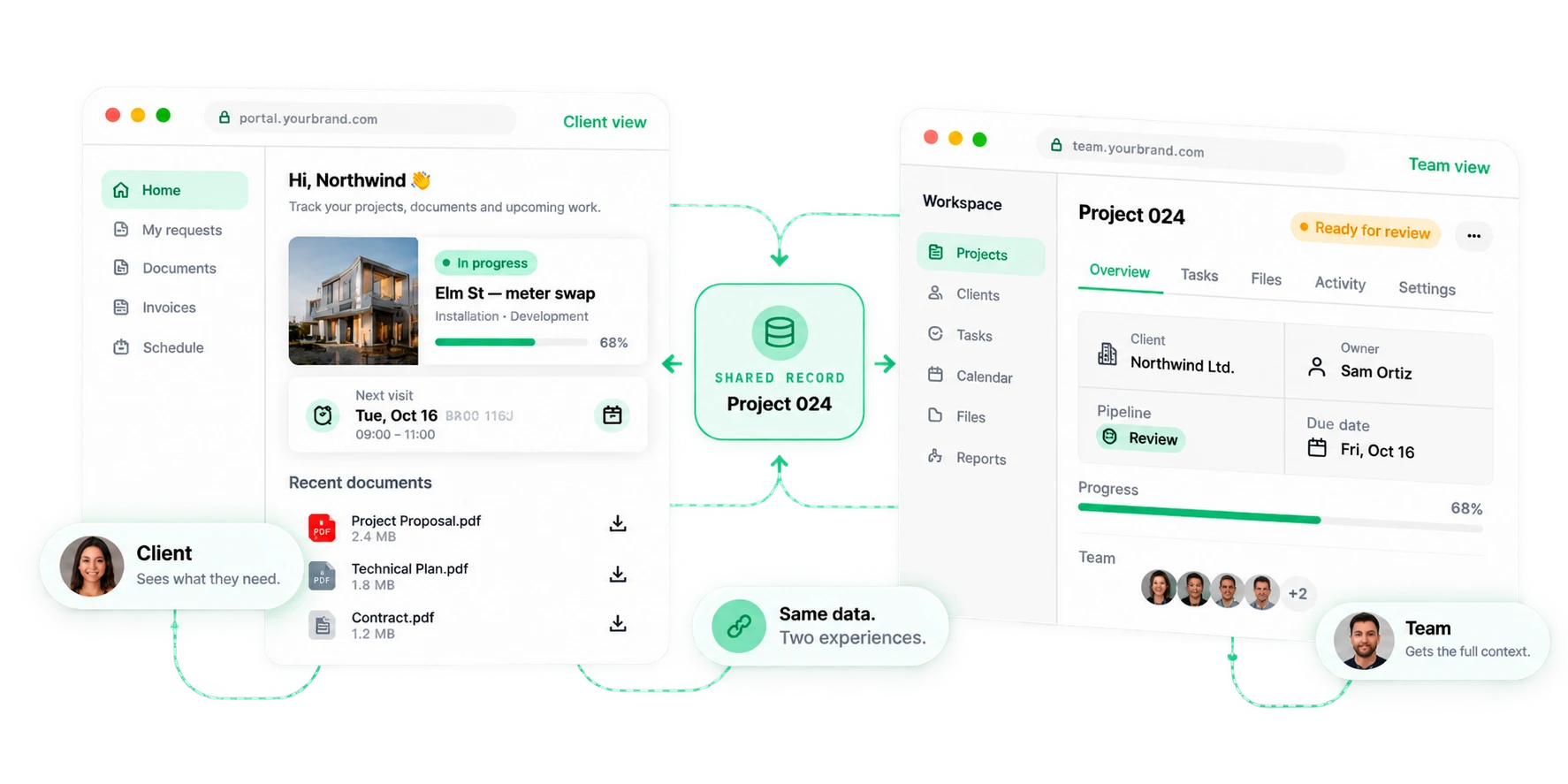
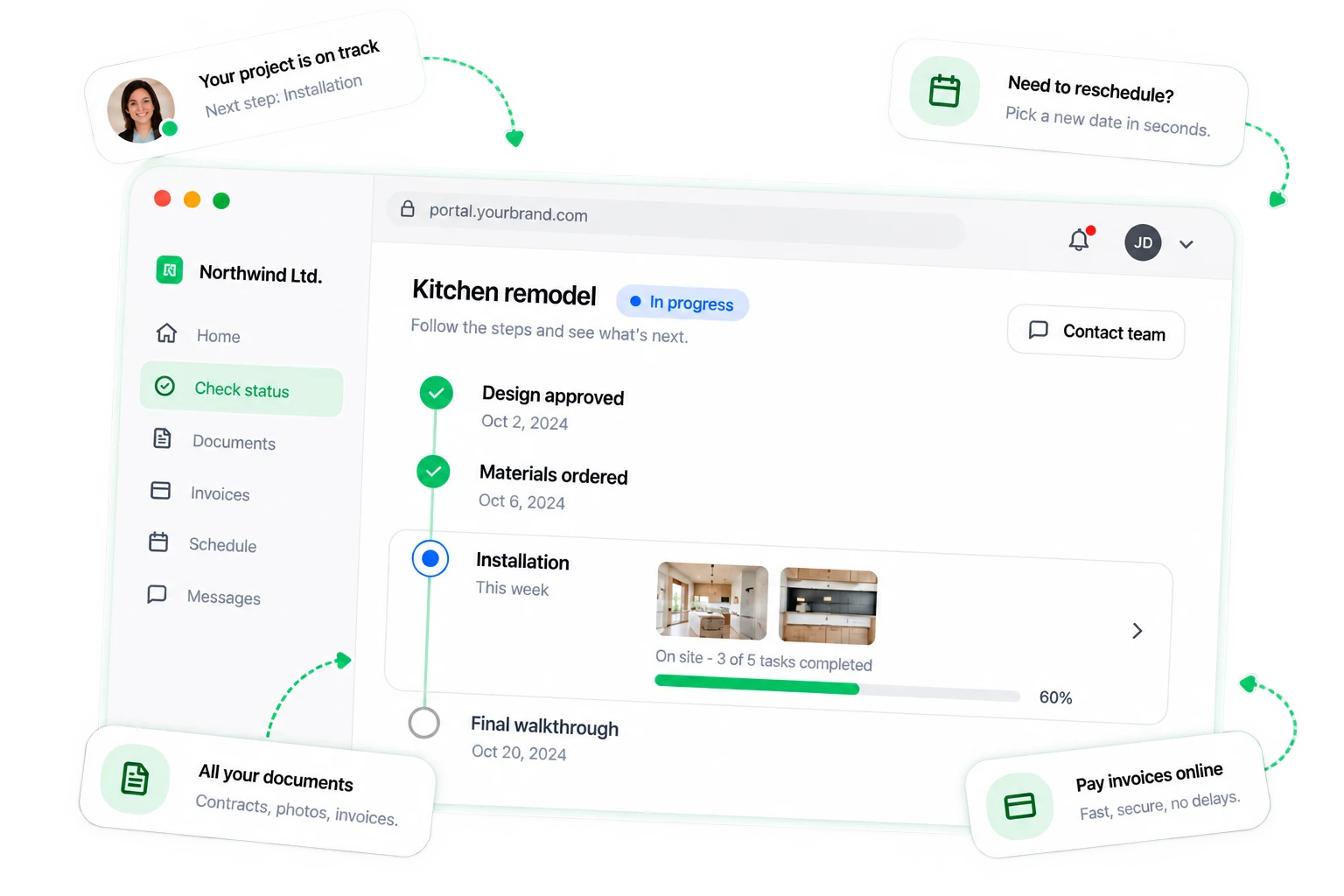
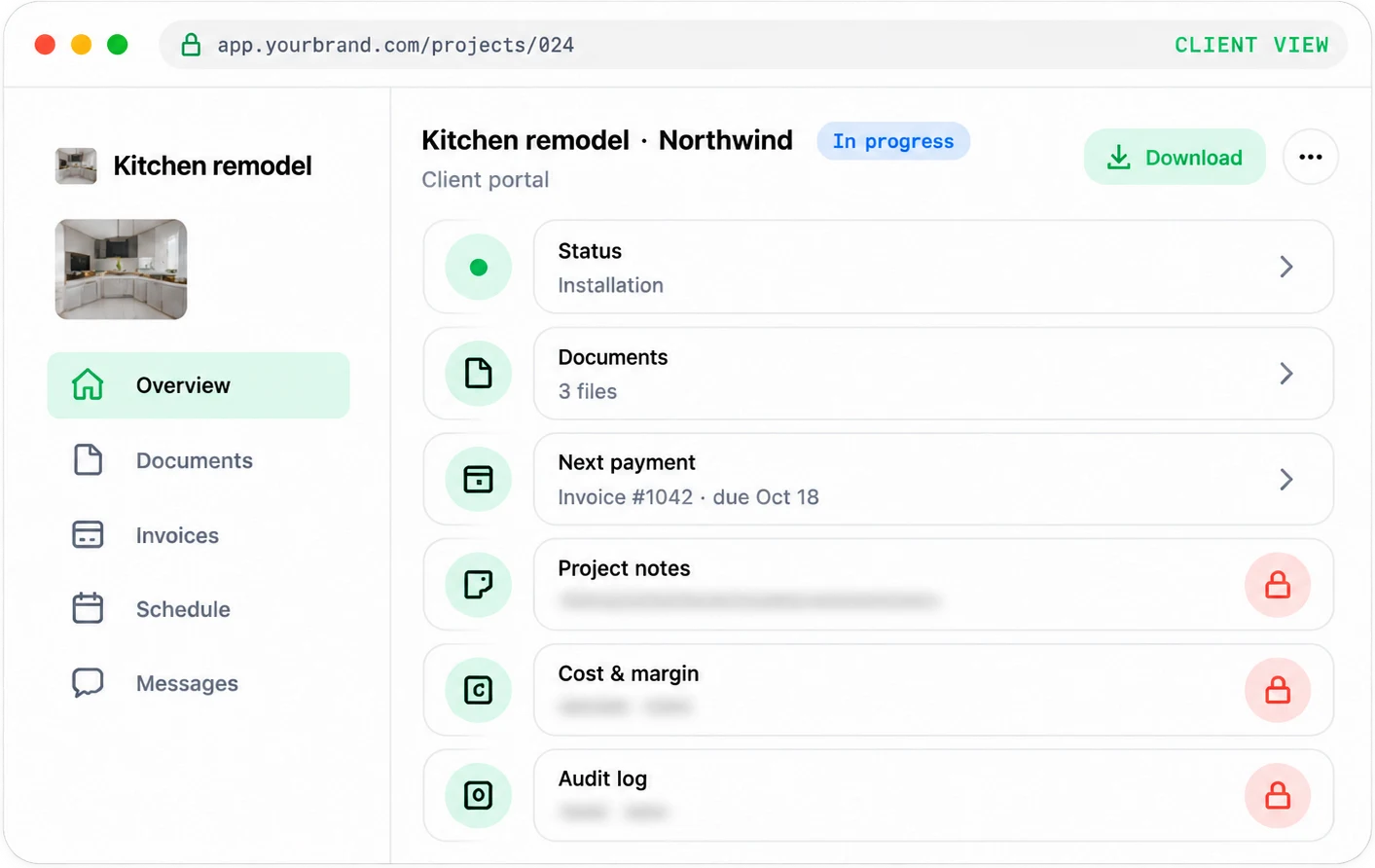
A branded portal where clients log in to find their documents, invoices, bookings, and project status, instead of asking your team by email.

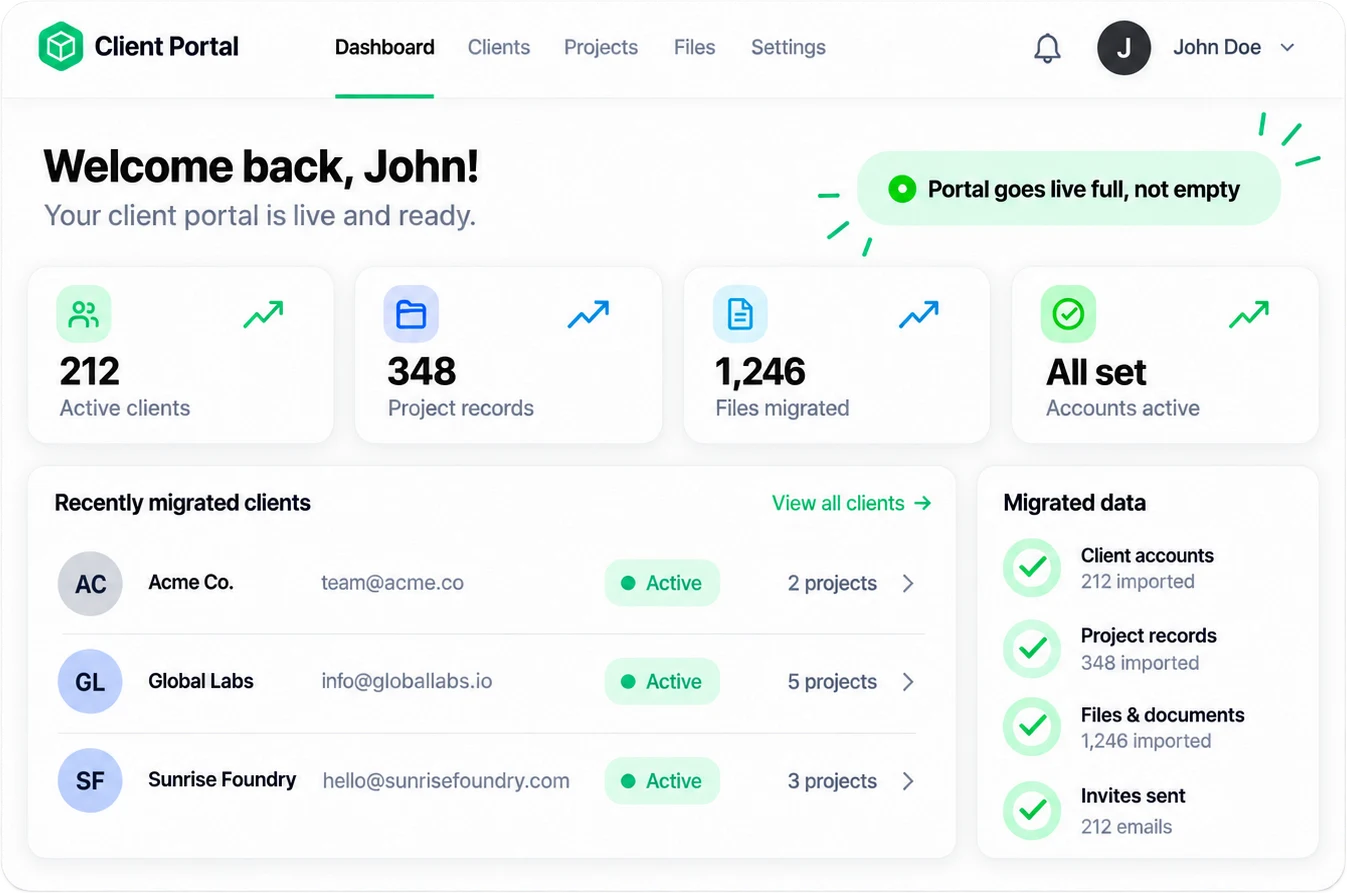
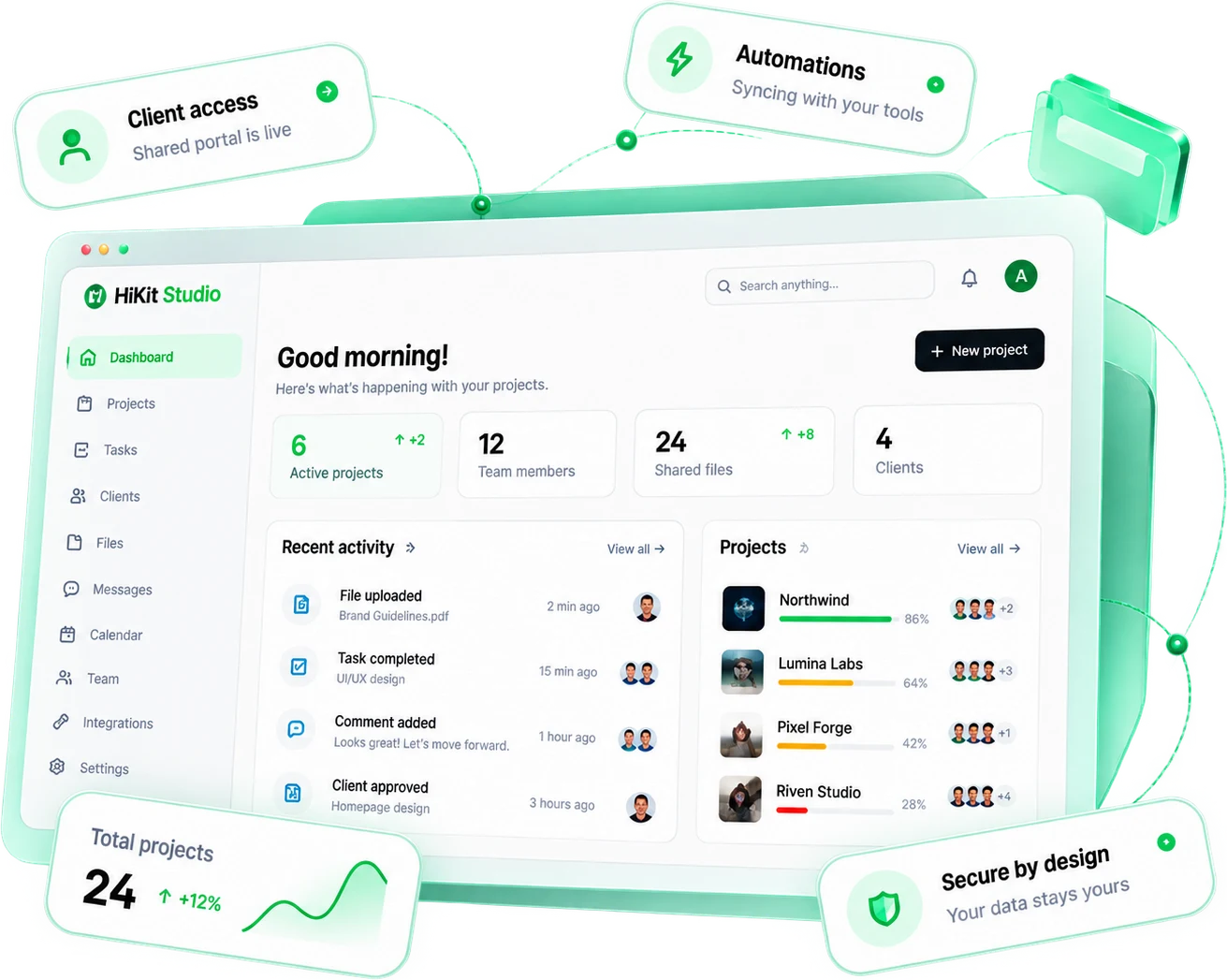
Every can-you-resend-that-invoice email is a portal feature waiting to exist. We build secure client portals around how you actually serve: one login where clients see their documents, pay their invoices, book their next appointment, and track where their project stands. Your team answers fewer status questions, and your clients feel taken care of around the clock.

How it works

A systemized engagement, so the work moves fast without cutting corners.

  1. 01

    Map the client journey

    We list every touchpoint where clients currently email, call, or wait: documents, invoices, scheduling, approvals, status checks. The portal gets scoped around the interactions that consume the most of your team's time, so it pays back from the first week.

  2. 02

    Design the portal experience

    We design the portal in your brand, structured around what clients come to do rather than around your org chart. Dashboard, documents, billing, and messages get laid out so the answer to a client's question is one click from login.

  3. 03

    Build secure foundations

    We build on a stack that takes security seriously: encrypted data, role-based access, audit logs, and two-factor authentication where it matters. Every client sees exactly what belongs to them and nothing that does not.

  4. 04

    Connect your systems

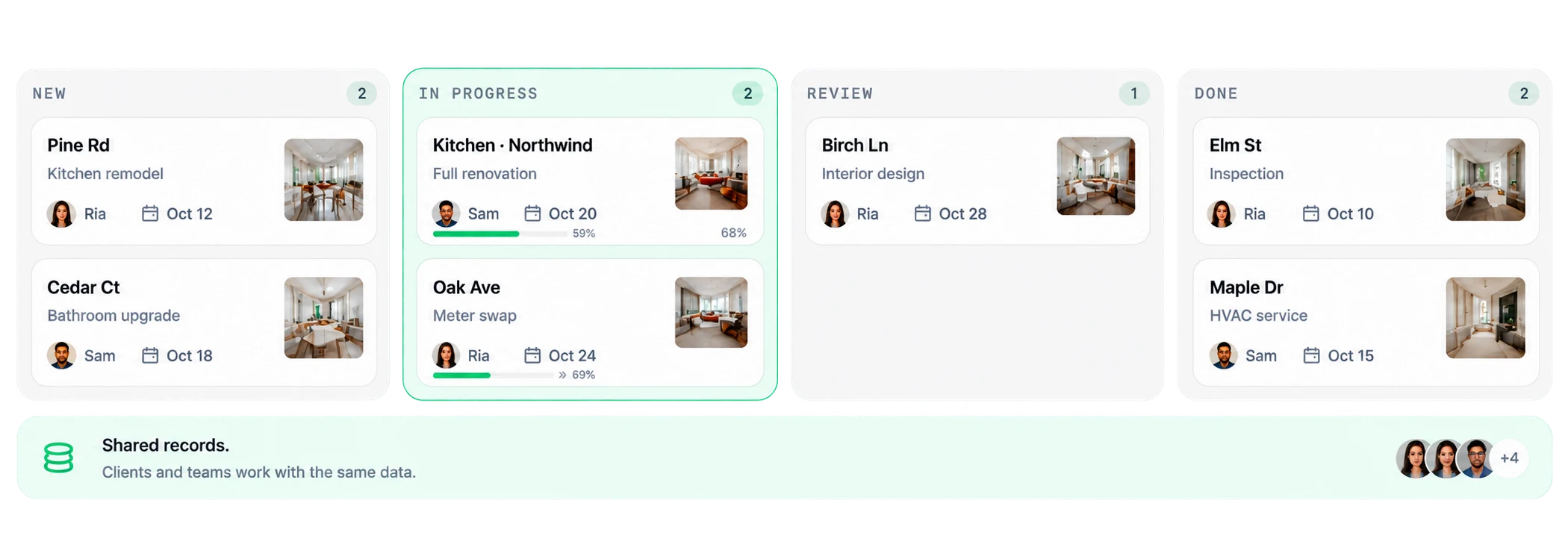
    The portal plugs into the tools you already run: CRM, billing, calendar, file storage, and e-signature. Data flows both ways automatically, so the portal is never a second place your team has to update by hand.

  5. 05

    Launch and onboard

    We migrate client accounts, set up the invite flow, and write onboarding your clients actually read. Your team gets admin training and documentation, plus 30 days of post-launch support while real clients move in.

What's included

Everything you walk away with, owned by you with no lock-in.

  • A branded client portal: dashboard, documents, billing, scheduling, and status in one login.
  • Role-based access with secure authentication, so every client sees only their own data.
  • Integrations with your CRM, billing, calendar, and file storage, syncing both ways.
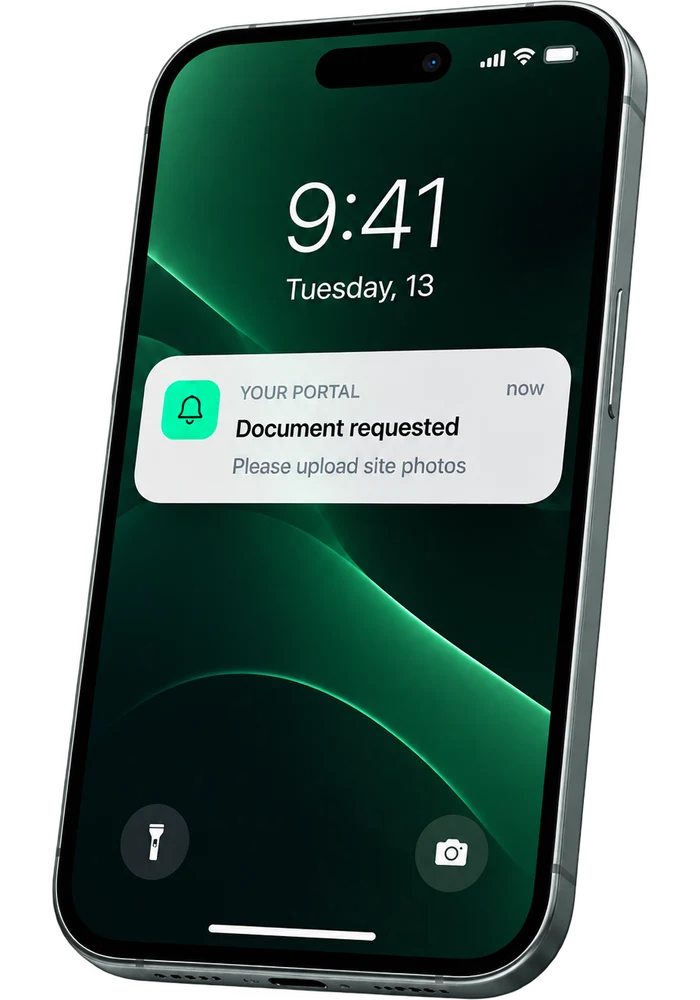
  • Automated notifications for invoices, document requests, and status changes.
  • An admin panel your team runs without a developer.
  • Account migration, a client onboarding flow, and 30 days of post-launch support.

Questions, answered

The things buyers ask us before they start.

What is a client portal, and do we actually need one?+

A client portal is a secure area of your site where clients log in to handle everything about their relationship with you: files, payments, bookings, progress. If your team spends hours a week resending documents and answering status emails, a portal replaces that work hour for hour.

Can the portal handle payments and invoices?+

Yes. Invoices appear in the portal with payment links through Stripe or your billing tool, clients pay online, and the status syncs back to your books. Recurring billing and payment history live in the same place.

Will it work with the systems we already use?+

That is the design constraint we start from. CRM, calendar, accounting, file storage, and e-signature tools connect through APIs, so the portal reflects your real systems instead of becoming another silo your team maintains.

How is client data protected?+

Encrypted in transit and at rest, role-based access, audit logs, and two-factor authentication where it matters. Each client sees only their own records, and you own the infrastructure and the data outright.

Should we build custom or use an off-the-shelf portal tool?+

If an off-the-shelf tool genuinely covers your workflow, we will say so, because it is cheaper and we can configure it for you. We build custom when the portal must match your process, your brand, and your systems exactly, which is usually what makes clients actually use it.

How long does a client portal take to build?+

A focused portal with documents, billing, and scheduling typically ships in four to eight weeks. We phase the build so the highest-value features go live first, and the portal starts earning its keep while the rest lands.

Let's build something that actually works.

Response within 1 business day. No commitment required.