Here's a quiet revenue leak most appointment-based businesses don't measure: every customer who has to call to book is a customer you can lose. They hit voicemail, they play phone tag, they get busy and forget, or they book with the competitor down the road whose website let them grab a slot in thirty seconds at 9pm. An online booking system plugs that leak, and it does a lot more besides. Let's cover what a real one actually does, how it protects revenue, and how to wire it into the tools you already run.
More than a calendar widget
When people picture "online booking," they think of a simple calendar widget. A real system is closer to a 24/7 booking employee, one that captures bookings around the clock, confirms them, reminds customers, takes deposits, prevents double-bookings, handles reschedules, and logs everyone into your CRM. Here's the full picture of what it does for you:
What a real online booking system does
More than a calendar widget. It's a 24/7 booking employee that never sleeps.
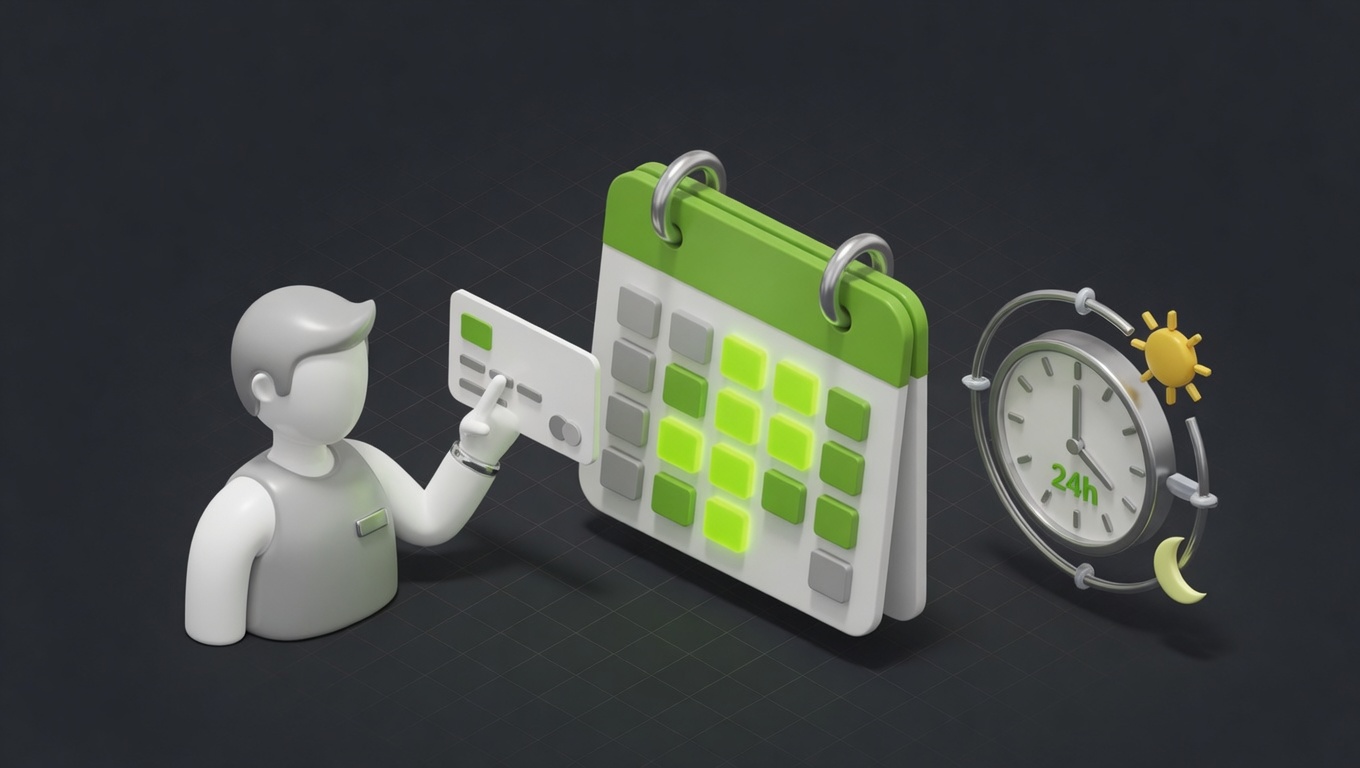
24/7 self-serve booking
Customers book when they're ready: evenings, weekends, 2am. No phone tag, no waiting for you to open. The booking that would've gone to a competitor stays with you.
Automatic confirmations
The moment someone books, they get a confirmation by email and text. No uncertainty, no 'did it go through?' calls.
Reminders that cut no-shows
Automated reminders the day before (and an hour before) dramatically reduce no-shows, the silent killer of service-business revenue.
Live calendar sync
It reads your real availability and writes bookings straight to your calendar. No double-bookings, no manual juggling.
Deposits & payments
Take a deposit or full payment at booking. Money on the line means people show up, and you're paid before they arrive.
Easy rescheduling
Customers reschedule or cancel themselves within your rules, freeing the slot automatically. No back-and-forth, no lost time.
Feeds your CRM
Each booking writes the customer and details into your CRM, so follow-up, reviews, and repeat marketing run automatically.
Frees your team
Every self-serve booking is a call your team didn't have to take. Hours back each week, redeployed to the work that needs a human.
Notice how many of those are about protecting revenue, not just capturing it: fewer no-shows, fewer double-bookings, fewer slots left empty. That's where booking systems quietly pay for themselves.
The after-hours bookings you're missing
Start with the biggest win: a large share of bookings happen outside business hours. People decide they need a haircut, a dentist, a consult, or a table while they're at home in the evening, exactly when your phone is unanswered. Without self-serve booking, those either become next-day phone tag (with drop-off at every step) or they go to whoever let them book right then. Online booking captures that demand at the moment of intent. It's the same speed principle behind instant lead follow-up: the business that lets the customer act now wins.
Killing no-shows
No-shows are pure lost revenue, because the slot can't be resold at the last minute, so an empty chair is money gone. A good booking system attacks no-shows from three angles:
- Automated reminders (day-before and hour-before): the single most effective no-show reducer.
- Easy self-service rescheduling: people who can't make it move the appointment instead of ghosting, and the freed slot reopens automatically.
- Deposits at booking: money on the line means people show up, and you're paid before they arrive.
For the full playbook on timing and wording those reminders, see our guide to reducing no-shows with reminder automation. For clinics, salons, and consultants who lose real money to no-shows, the deposit feature alone often justifies the whole system.
Wire it into your stack
A booking widget that stands alone captures a fraction of the value. The power comes from integration:
- Calendar sync (Google, Outlook) so it reads real availability and writes bookings live, with no double-booking.
- Payments (Stripe) for deposits and prepayment.
- CRM so every booking logs the customer and details for follow-up, reviews, and repeat marketing.
- Automation so a booking triggers confirmations, reminders, and a post-visit review request, all automatically.
This is why we treat online booking as an automation project, not a plugin: connected to your CRM and automation layer, every booking sets off a chain of useful actions with zero manual work. (It's a natural companion to the broader workflows worth automating.)
Booking online and by phone
Self-serve booking handles the customers who'd rather tap. For the ones who'd rather talk, and for after-hours calls, an AI voice agent answers, qualifies, and books on the phone, feeding the same calendar and CRM. Run both and you capture bookings no matter how the customer prefers to reach you, online or on the line. No missed booking, ever.
Want customers booking themselves around the clock? Explore our online booking service and workflow automation, see the systems we've built, or book a free automation audit. We'll connect booking to your calendar, payments, CRM, and reminders so the whole flow runs itself.
Phone-only booking made sense when phones were the only option. In 2026, the businesses winning the most bookings are the ones that let customers book themselves, 24/7, in thirty seconds, and then never have to chase a no-show again.
FAQ
Questions, answered.
What appointment-based businesses ask about online booking.
Because every booking that requires a phone call during business hours is a booking you can lose: to voicemail, to phone tag, or to a competitor who let the customer book instantly. An online booking system captures bookings 24/7 (most happen outside business hours), cuts no-shows with automated reminders, removes double-bookings, and frees your team from scheduling admin. For appointment-based businesses, it's one of the highest-impact upgrades available: it both wins bookings you were losing and saves the hours spent managing them by phone.
Substantially. Automated reminders are the single most effective no-show reducer, and adding a deposit at booking cuts flakes further because people who've paid something show up. No-shows are pure lost revenue (the slot can't be resold last-minute), so even a modest reduction adds up fast. Between day-before and hour-before reminders, easy rescheduling (so people move rather than ghost), and optional deposits, a good booking system meaningfully protects the revenue that no-shows quietly drain every week.
Yes. A good one syncs with your existing calendar (Google, Outlook, etc.) in real time, reading availability and writing bookings automatically, and connects to your other tools like your CRM, payment processor, and email/SMS. The whole point is that it wraps around the stack you already use rather than replacing it. We typically connect booking to the CRM and automation layer too, so each booking also triggers confirmations, reminders, follow-up, and review requests without anyone lifting a finger.
Overwhelmingly, yes, especially for routine appointments. Many people would rather book online at 9pm than call during the day, and a large share of bookings happen outside business hours precisely because self-serve removes the friction of calling. Younger customers in particular often avoid phone calls entirely. Offering online booking doesn't remove the phone option for those who prefer it; it adds the option most people now expect, and the businesses that don't offer it lose those bookings to ones that do.
Yes, and it's one of the most valuable features. Connecting a payment processor (like Stripe) lets you take a deposit or full payment when the customer books. This does two things: it reduces no-shows and flakes (people who've paid show up), and it improves cash flow (you're paid before the appointment). For businesses that lose real money to no-shows (clinics, salons, consultants), a booking deposit often pays for the whole system many times over by protecting slots that would otherwise go empty.
A basic one is straightforward; a fully integrated one that connects to your calendar, payments, CRM, and automated follow-up takes more setup but delivers far more value. The simple version (a booking page synced to your calendar) can be live quickly. The powerful version, where a booking triggers confirmations, reminders, payment, CRM entry, and review requests automatically, is an automation project worth doing properly. We usually build the integrated version because the standalone booking widget captures only a fraction of the available value.
They're complementary. Online booking lets customers who are online book themselves through a page or widget; an AI voice agent handles the customers who call by phone, answering, qualifying, and booking on the call. Together they cover both channels: self-serve online booking for the people who'd rather tap, and a voice agent for the people who'd rather talk (and for after-hours calls). Many of our clients run both, feeding the same calendar and CRM, so no booking is missed regardless of how the customer prefers to reach you.
Any appointment- or reservation-based business: salons, spas, gyms and studios, clinics and healthcare practices, home-service providers, consultants, restaurants, tutoring and classes, and recreation/experiences. The more your revenue depends on filled time slots, the more an online booking system helps: it captures more bookings, reduces the no-shows that waste slots, and removes the scheduling admin that scales with volume. If customers book time with you, you'll benefit; the only question is how integrated to make it.