The platform question gets answered backwards almost every time. People pick Webflow, WordPress, or custom code based on what they've heard is "best," then try to fit their business to the tool. That's how you end up with a marketing team locked out of their own site, or a simple brochure built on an over-engineered custom stack. Pick the tool to fit the business, not the other way around. Here's how to do that.
The 30-second verdict
- Marketing/business site that changes often, non-technical team? → Webflow.
- Content-heavy, or you need a specific plugin ecosystem? → WordPress.
- Building an app or platform, or you need to scale without limits? → Custom code.
If you're between two, the tiebreaker is almost always who maintains it. Pick the option your team can actually own. Everything below is just the detailed version of those three lines.
Platform by platform
Here's each one on the same terms: strengths, limits, cost, and who it's for. Click between them:
Platform by platform
Strengths, limits, cost, and who each one is for. Click through.
Webflow: design freedom without a developer on call
Strengths: pixel-level design control, clean hosting included, strong CMS for blogs and case studies, no plugin-security headaches. Marketers can edit content without breaking the site. Limits: monthly platform cost, less suited to complex web apps or heavy e-commerce, and you're inside Webflow's ecosystem. Cost: roughly $20–$50/mo hosting + build. Best for design-led business and marketing sites that change often.
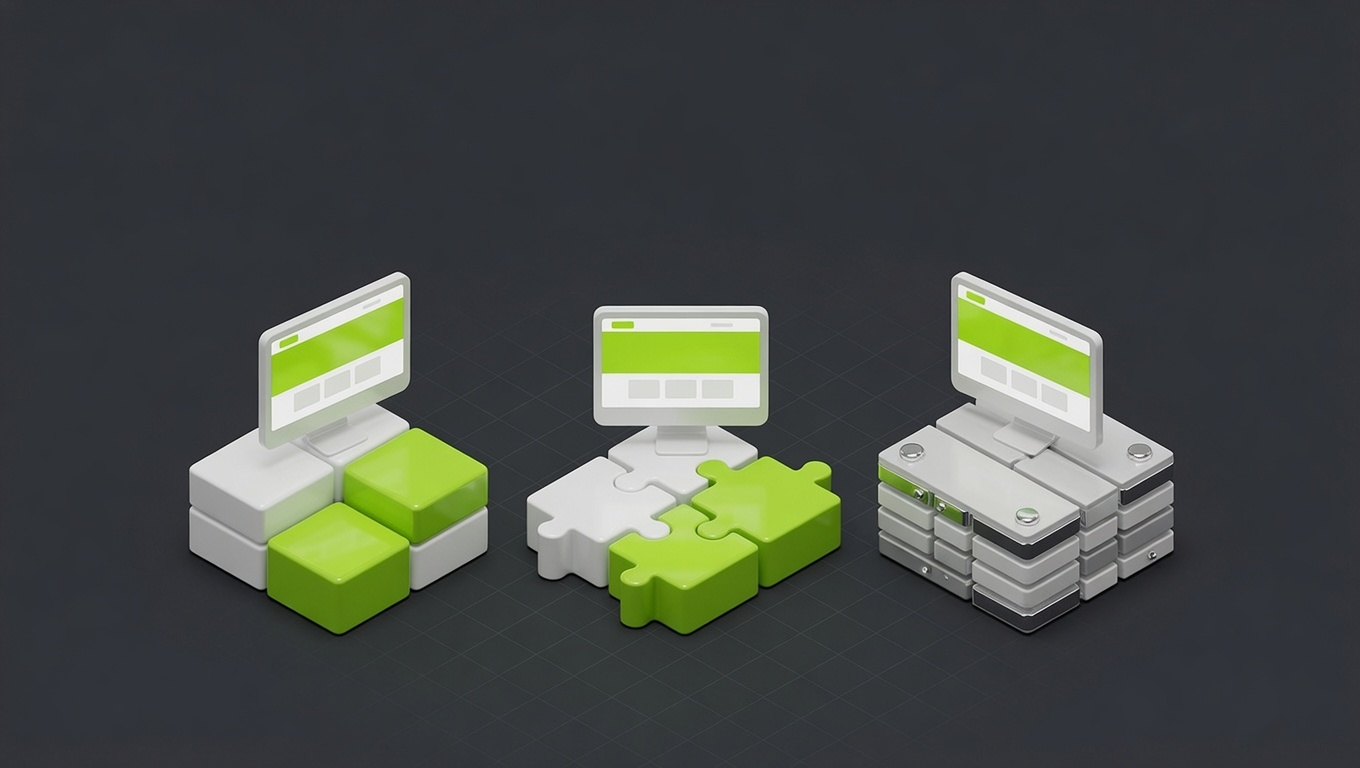
Notice none of these is "the best." They're trade-offs along the same two axes: how much design and functional freedom you need, and how much maintenance responsibility you're willing to own. Webflow gives freedom with low maintenance (for a monthly fee). WordPress gives flexibility but hands you the upkeep. Custom code gives unlimited ceiling for the highest cost. Your answer is wherever your priorities land on those axes.
Total cost of ownership over 3 years
The build price is the down payment; ownership is the mortgage. Over three years the picture shifts:
- Webflow: predictable monthly hosting ($20–$50), near-zero maintenance, no security firefighting. Often the lowest total cost for a marketing site.
- WordPress: cheapest to start, but maintenance, security, and performance work accumulate. Neglect it and the "cheap" option gets expensive, or hacked.
- Custom code: highest to build, but at high traffic it can be the cheapest to run and the fastest, with no platform tax.
This mirrors what we covered in how much a website actually costs: the headline number lies, and cheap-to-start frequently means expensive-to-own. Decide on three-year cost, not launch-day cost.
Migration: it's a rebuild, plan accordingly
A hard truth that saves regret later: there is no clean migration between these platforms. Your content (text, images) moves; the design and functionality get rebuilt on the new system. So treat the choice as a multi-year commitment, not a reversible default.
The practical implication: if you know you'll grow into something Webflow or WordPress can't do, starting on a foundation that can stretch (often modern custom code with a framework like Next.js) saves you a future rebuild. If you're genuinely going to stay a marketing site, don't over-build for a future that won't arrive. Either way, a well-structured site with clean content is far cheaper to move than a tangled one, so build tidy regardless of platform.
Webflow vs WordPress vs custom code for SEO
All three can rank. Platform choice rarely decides your rankings; your content, site speed, and authority do. That said, there are real technical SEO differences worth knowing.
Webflow produces clean, minimal HTML without plugin bloat. Core Web Vitals scores are consistently strong out of the box, and the built-in hosting is fast globally. There's no plugin zoo to create conflicting meta tags or slow the page. The trade-off: the CMS is powerful but less flexible than WordPress for heavy content workflows, and some advanced technical SEO configurations (custom redirects at scale, server-side hreflang management) need workarounds.
WordPress with a lean setup and a good SEO plugin (Yoast, RankMath) gives you fine-grained control: custom meta, schema, XML sitemaps, redirects, all configurable without code. But performance is earned, not given. A bloated WordPress install with unoptimised images and twenty plugins will produce poor Core Web Vitals scores, and that matters: page speed is a ranking factor. WordPress wins on SEO flexibility; you have to work for the scores.
Custom code (Next.js, Astro, etc.) gives you total control over every SEO output (schema, metadata, structured data, performance) because you build exactly what you need. Core Web Vitals on a well-built custom site are hard to beat. The downside is that every SEO improvement requires a developer to implement, whereas Webflow and WordPress let a marketer work without touching code.
The practical summary: for pure SEO performance, custom code and Webflow are faster by default; WordPress requires discipline. For SEO configurability and control, WordPress wins. For most businesses, the platform-versus-SEO debate is a red herring: the gap between platforms is far smaller than the gap between writing good content and bad content.
Actual pricing: what you pay per month
The numbers that don't appear in comparison posts:
| Webflow | WordPress | Custom code | |
|---|---|---|---|
| Hosting | $23–$39/mo (CMS plan) | $10–$50/mo (shared/managed WP) | $20–$200/mo (Vercel, AWS, etc.) |
| Domain | $10–$20/yr | $10–$20/yr | $10–$20/yr |
| Themes/templates | Included | $0–$100 one-time | N/A (custom built) |
| Plugins/apps | Minimal extras | $50–$500/yr | N/A (custom built) |
| Maintenance & updates | Near zero | $0 DIY or $50–$200/mo managed | Developer time |
| Typical 3-year run cost | ~$1,500–$2,500 | ~$1,500–$5,000+ | ~$1,000–$4,000 |
A few important notes on these numbers. WordPress looks cheapest to start (basic hosting can be $10/month) but the maintenance and security costs are real if you're not doing the upkeep yourself. A managed WordPress hosting plan (where the host handles updates and security) typically runs $40–$80/month and solves most problems but closes the price gap with Webflow significantly. Custom code run cost depends almost entirely on traffic; a Next.js site on Vercel's free tier can run at $0 for low-traffic sites and scale predictably from there.
The takeaway: don't decide on launch-day sticker price. Add up three years of hosting, maintenance, and the time someone spends managing it, and the gap between these platforms shrinks considerably.
The five questions that decide the answer
If you're still between two platforms, answer these in order. The first one where they diverge is your answer:
- Who updates the site after launch? Non-technical team → Webflow. Technical team or agency → any.
- Is the site an application with custom logic? Yes → custom code. No → Webflow or WordPress.
- Do you need a specific plugin? Yes → WordPress. No → move to the next question.
- Is design differentiation critical? Very → custom code or Webflow. Standard → WordPress.
- How sensitive is your data or compliance requirement? High → custom code on your own infrastructure. Standard → any.
Most small business owners land on Webflow or WordPress by question 2. Most SaaS and product companies land on custom code by question 1 or 2. If you want a recommendation without going through the list yourself, that's a five-minute conversation.
How we choose for clients
We don't have a house platform we push on everyone; that's how you end up recommending the tool that's easiest to bill rather than the one that fits. Our logic:
- Design-led marketing site, content changes often, non-technical team → Webflow or custom Next.js, depending on how bespoke the design is.
- Heavy content or a must-have plugin ecosystem → WordPress, built lean and maintained properly.
- It's an app, a platform, or the site is the product → fully custom code, no question.
And if you're not yet sure whether that even needs to be a native app, a responsive web app, or a lighter PWA, see how mobile app vs web app vs PWA breaks down that decision first.
The deciding questions are always the same: how custom does the design need to be, who maintains it, will it need to scale, and what does it cost to own over three years, which ties directly into how long the build takes too. Whichever platform wins, the same components and patterns need to stay consistent as the site grows, which is why we lean on design systems for small brands regardless of what it's built on.
So which should you pick?
Re-read the 30-second verdict; for most businesses it's already the answer. Webflow for marketing sites, WordPress for content/plugins, custom code for apps and scale, with "who maintains it" as the tiebreaker.
If you'd rather get a straight recommendation for your specific situation, that's a quick conversation. See the sites we've built across all three approaches, explore our web design and business website services, or start with a focused build. We'll tell you which platform fits, even when the answer is the one that's least work for us.
FAQ
Questions, answered.
Everything people ask us about this, answered straight.
For most marketing and business sites in 2026, Webflow, because it gives design freedom, includes secure hosting, and lets non-technical people edit content without the plugin-security maintenance that bogs down WordPress. WordPress wins when you need a specific plugin ecosystem, very heavy content/blogging, or full ownership with no platform fees. Neither is universally 'better'; they're suited to different priorities.
Worth it when the site is genuinely an application or needs to scale beyond what a platform allows: custom dashboards, complex logic, deep integrations, or performance that has to be the best possible. For a standard marketing site, custom code is usually overkill and slower to ship. Modern frameworks like Next.js have blurred the line, but the rule holds: platforms for content sites, custom code for products and scale.
It depends on upkeep, not sticker price. WordPress is cheapest to start but its maintenance and security costs add up if neglected. Webflow has a predictable monthly fee and near-zero maintenance. Custom code is most expensive to build but can be cheapest to run at scale. Over three years, Webflow is often the lowest total cost for a marketing site; custom code wins for high-traffic apps. Cheap-to-start rarely equals cheap-to-own.
Yes, but it's a rebuild, not a migration; there's no clean one-click export between these. Content (text, images) transfers; the design and functionality get rebuilt on the new platform. Plan your choice as a multi-year commitment, because switching is real work. The good news: a well-structured site with clean content is far quicker to move than a messy one.
WordPress core is secure; the vulnerabilities almost always come from outdated plugins and themes. A well-maintained WordPress site with minimal, updated plugins is perfectly safe. A neglected one with twenty abandoned plugins is the stereotype that gets hacked. Security on WordPress is a maintenance discipline, which is exactly the responsibility Webflow removes by managing the platform for you.
All three can rank well; SEO is far more about content, structure, speed, and authority than platform. That said, Webflow and custom code tend to produce faster, cleaner sites out of the box, and Core Web Vitals matter. WordPress can match them but often needs performance work to undo plugin bloat. The platform rarely decides your rankings; your content and technical hygiene do.
It depends on the job, which is the only honest answer. We build marketing and business sites on Webflow or custom Next.js depending on design and content needs, use WordPress when a client needs its specific ecosystem, and go fully custom for web apps and platforms. We recommend the platform that fits your goals and team, not the one we'd prefer to bill for.
Start from your situation, not the tech. Marketing site that changes often and a non-technical team? Webflow. Content-heavy or you need a specific plugin? WordPress. Building an app, a platform, or you need to scale without limits? Custom code. If you're between two, the tiebreaker is usually who maintains it: pick the option your team can actually own.